One Click Trading
One Click Trade is a small draggable widget bar which is used to punch in quick Market orders
Use One Click Trade with Quick Trade Mode
How to activate One-Click Trade?
One Click Trading Widget can be activated by clicking on the One Click button in the bottom bar
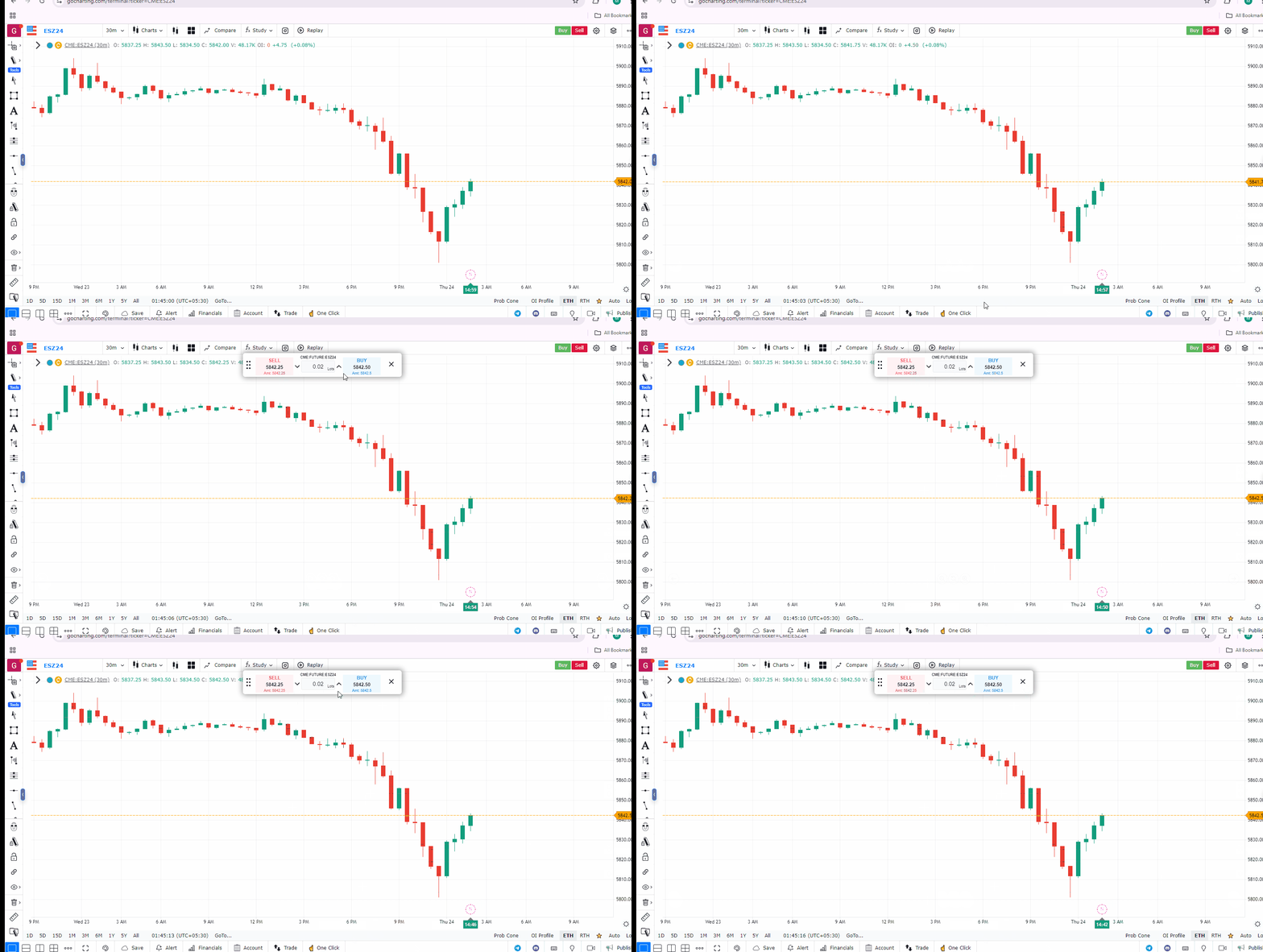
Main Components of One-Click Trade
- BUY Button : Shows Best Bid and punches BUY MKT order
- SELL Button: Shows Best Ask and punches SELL MKT order
- Volume to-be traded: Caliberate the units to be placed/traded

Use Case
One-Click Trading in GoCharting allows instant order placement with a single click, bypassing confirmation dialogs. It is designed for fast-moving markets where order confirmation delays cost entry price quality.
Strategy
Enable One-Click Trading only after configuring your default position size and bracket order settings correctly. Use One-Click Trading for pre-planned entries at identified levels where speed matters. Assign keyboard shortcuts to One-Click buy and sell functions for the fastest possible execution.
Common Mistakes
Do not enable One-Click Trading with incorrect default position sizes — accidental clicks can send far larger orders than intended. Avoid using One-Click Trading without pre-configured bracket orders if you cannot manage stops manually in fast markets. Do not use One-Click Trading for complex, multi-leg order strategies where precision matters more than speed.