
Lipi — GoCharting's
Scripting Engine
Write custom indicators, strategy automations and data visualisations directly on the chart. Native access to orderflow metrics, COT data and a community of 7,000+ shared scripts.
Lipi is a powerful and flexible scripting language built directly into GoCharting. With access to orderflow metrics, COT data and a thriving community library, Lipi is the most capable scripting engine available in any web-based trading platform. No installs, no plugins — just open the Script Editor and start coding.
What You Can Build
Key Features
- ✓ Full API documentation with examples and code snippets
- ✓ Indicator-on-indicator support — chain multiple scripts together
- ✓ Plot shapes, labels, lines, filled areas and backgrounds from code
- ✓ Alert conditions defined in script — fires on chart or via notification
- ✓ Save and share scripts from the cloud — works across all devices
- ✓ Community support, self-help videos and guided tutorials
Learn & Reference
Community Scripts Showcase
Explore MoreDiscover what traders have built with Lipi. Browse all 7,000+ scripts
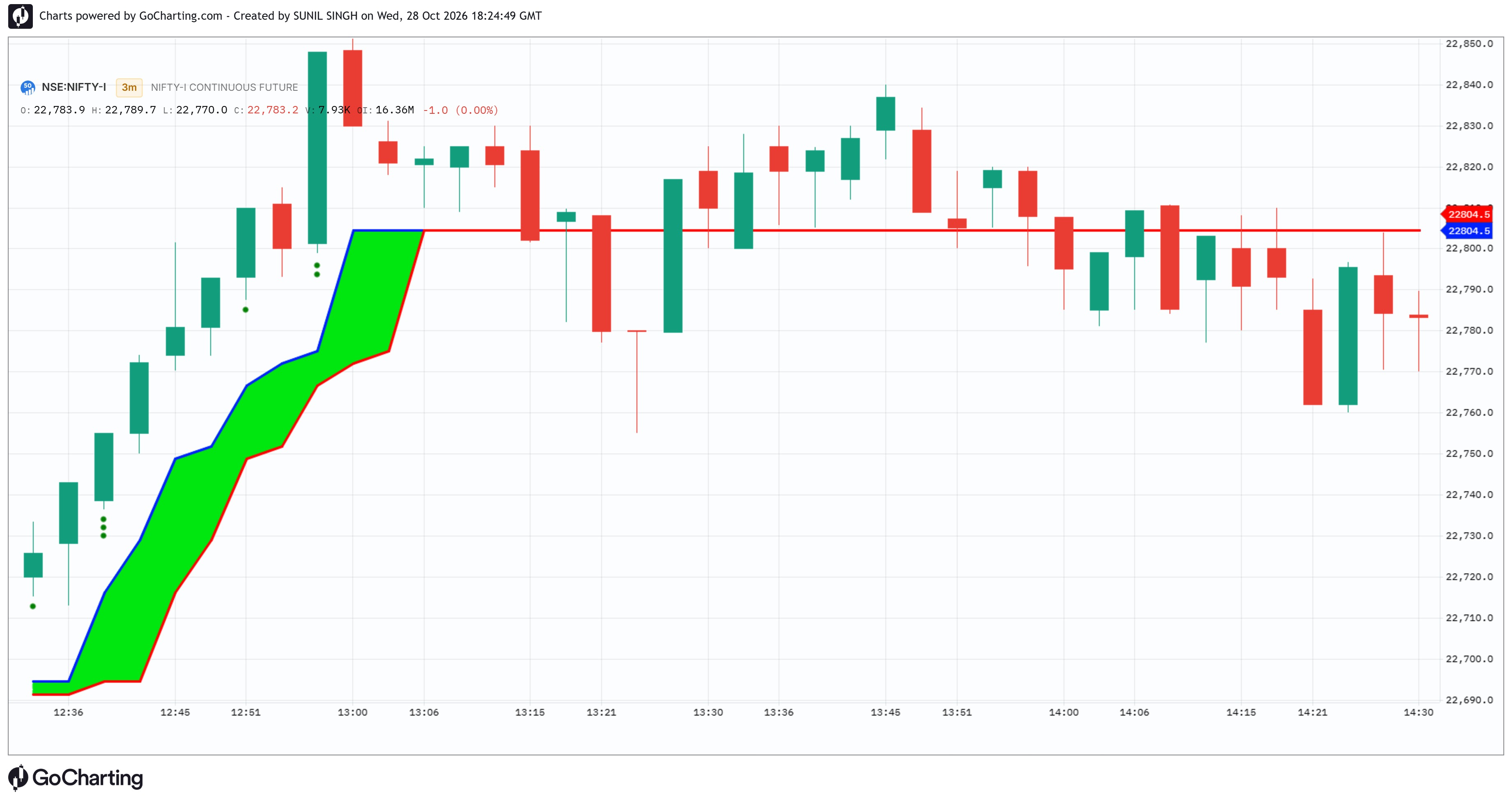
ATV Strength v2, created by Sunil Singh, is a trend-and-momentum indicator that combines AlphaTrend, volume and RSI. Green dots indicate bullish strength, while red dots indicate bearish strength. One dot represents normal strength, two dots represent strong momentum, and three dots represent exceptional strength. When volume is unavailable, the dots are calculated using RSI alone.
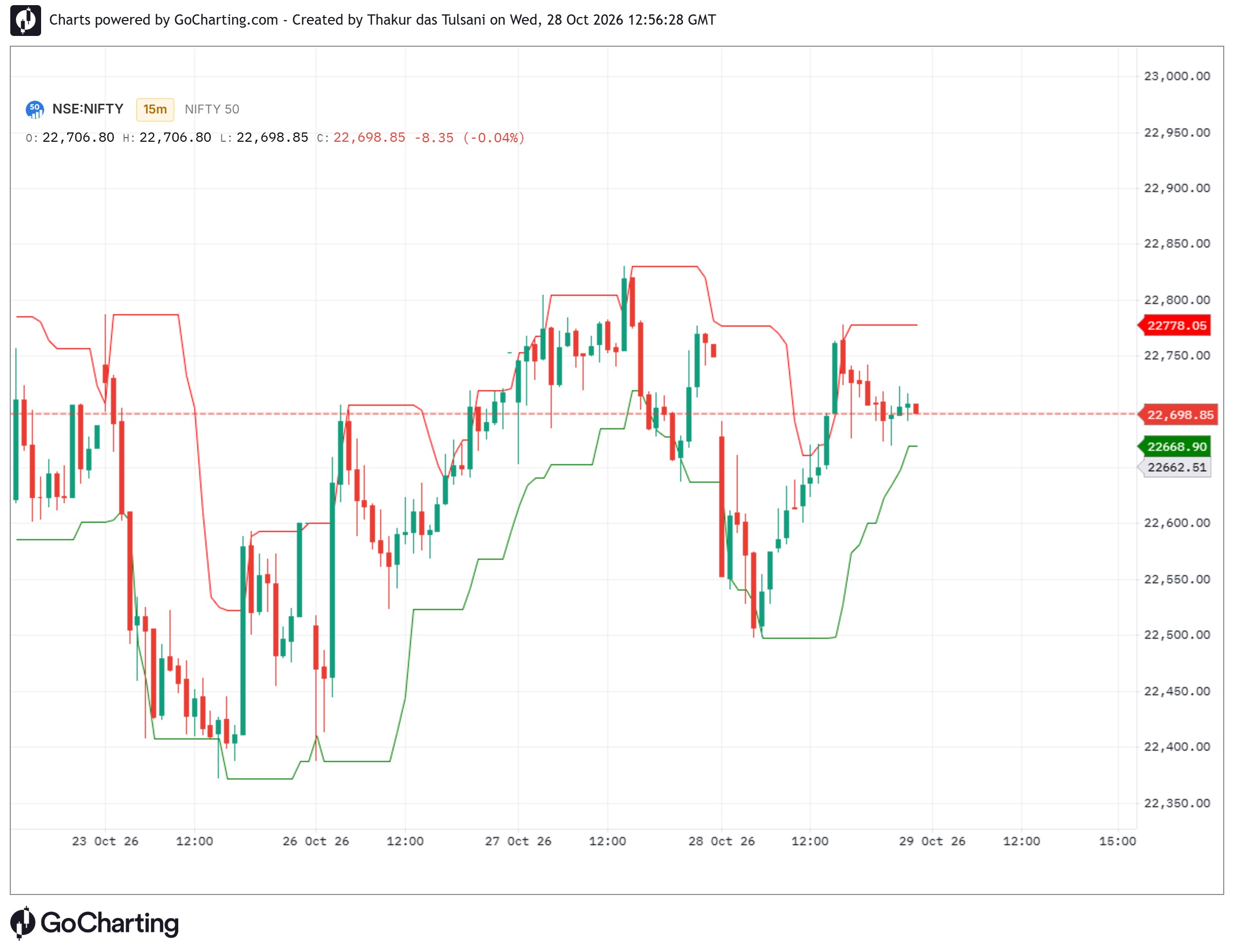
OK OK U CANT UNDERSTAND...............................................................................................................................
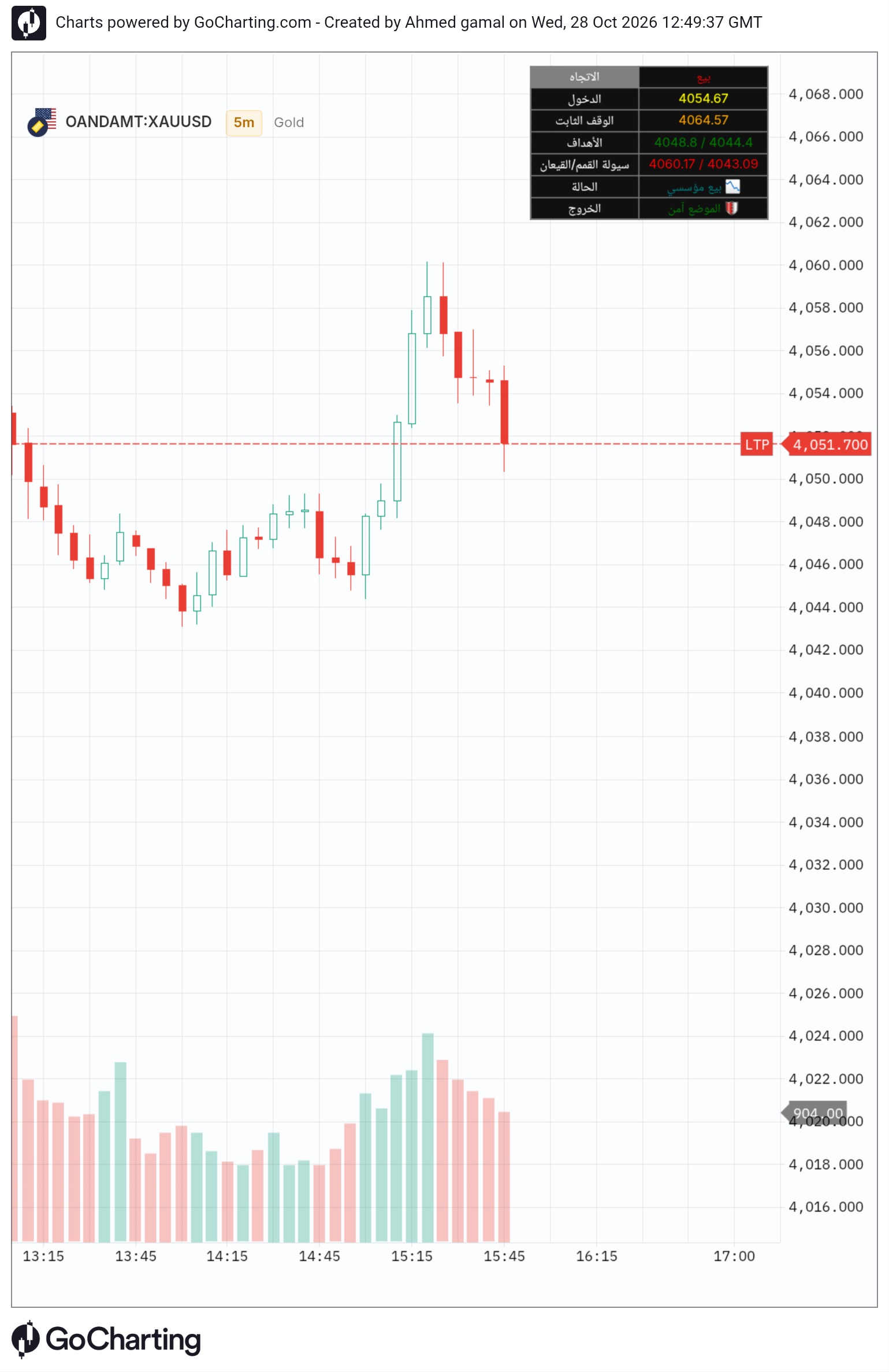
Sniper gimy to Scalping and swing but very pitiful in 1m and 5m ......................................................................................
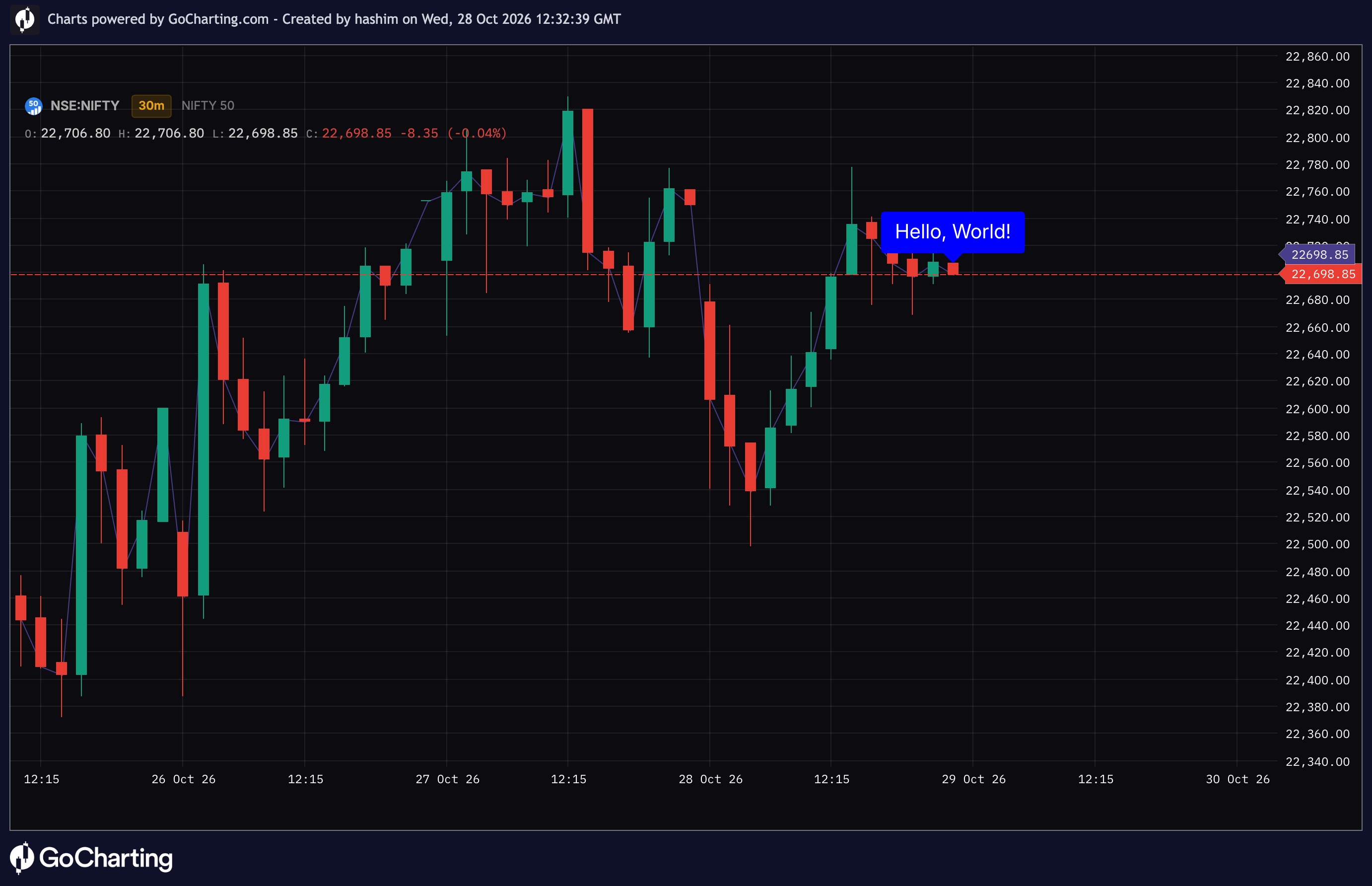
test test test test test test test test test test test test test test test test test test test test test test test test test test test test test test test test test test test test test test test test test
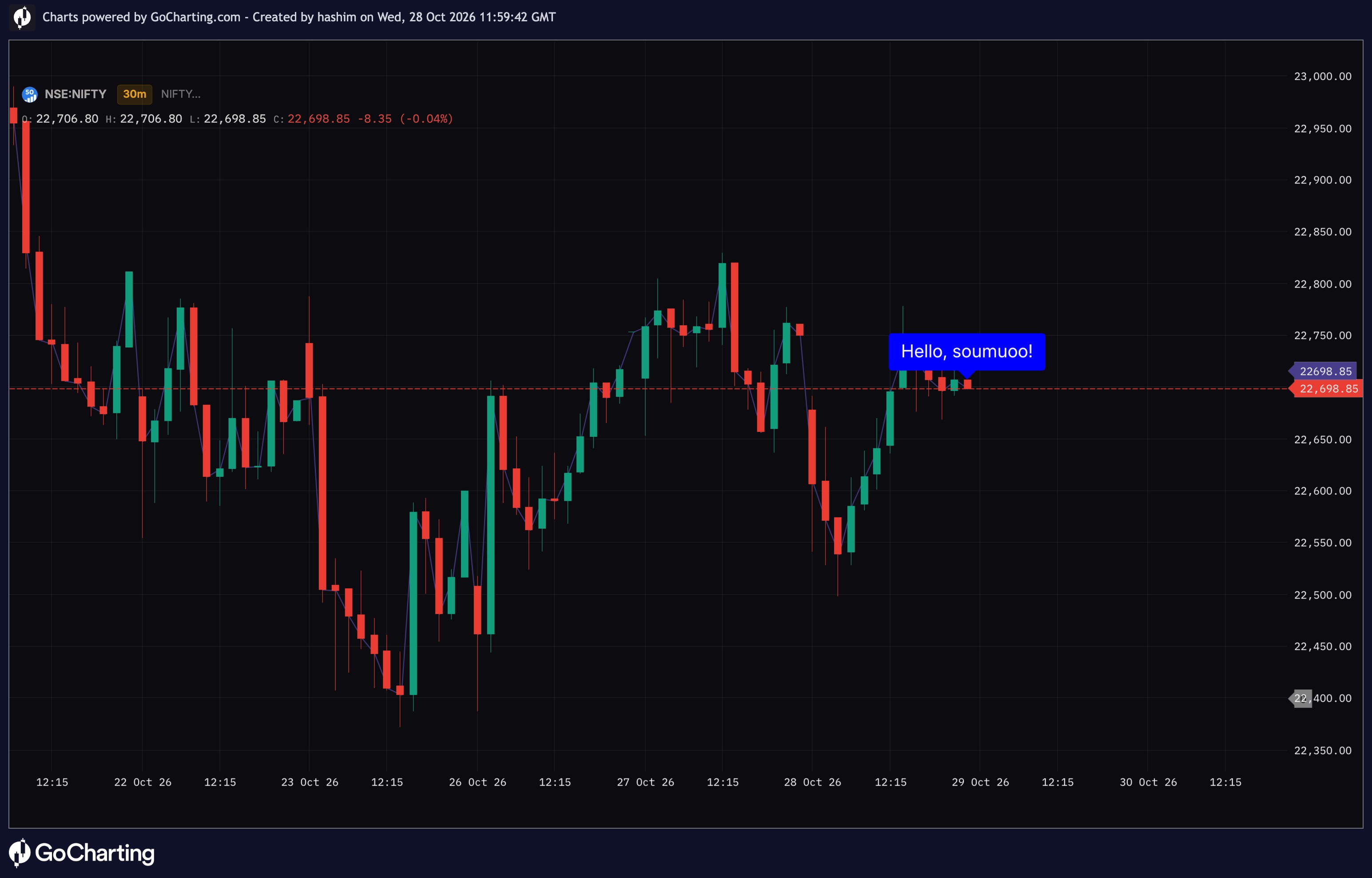
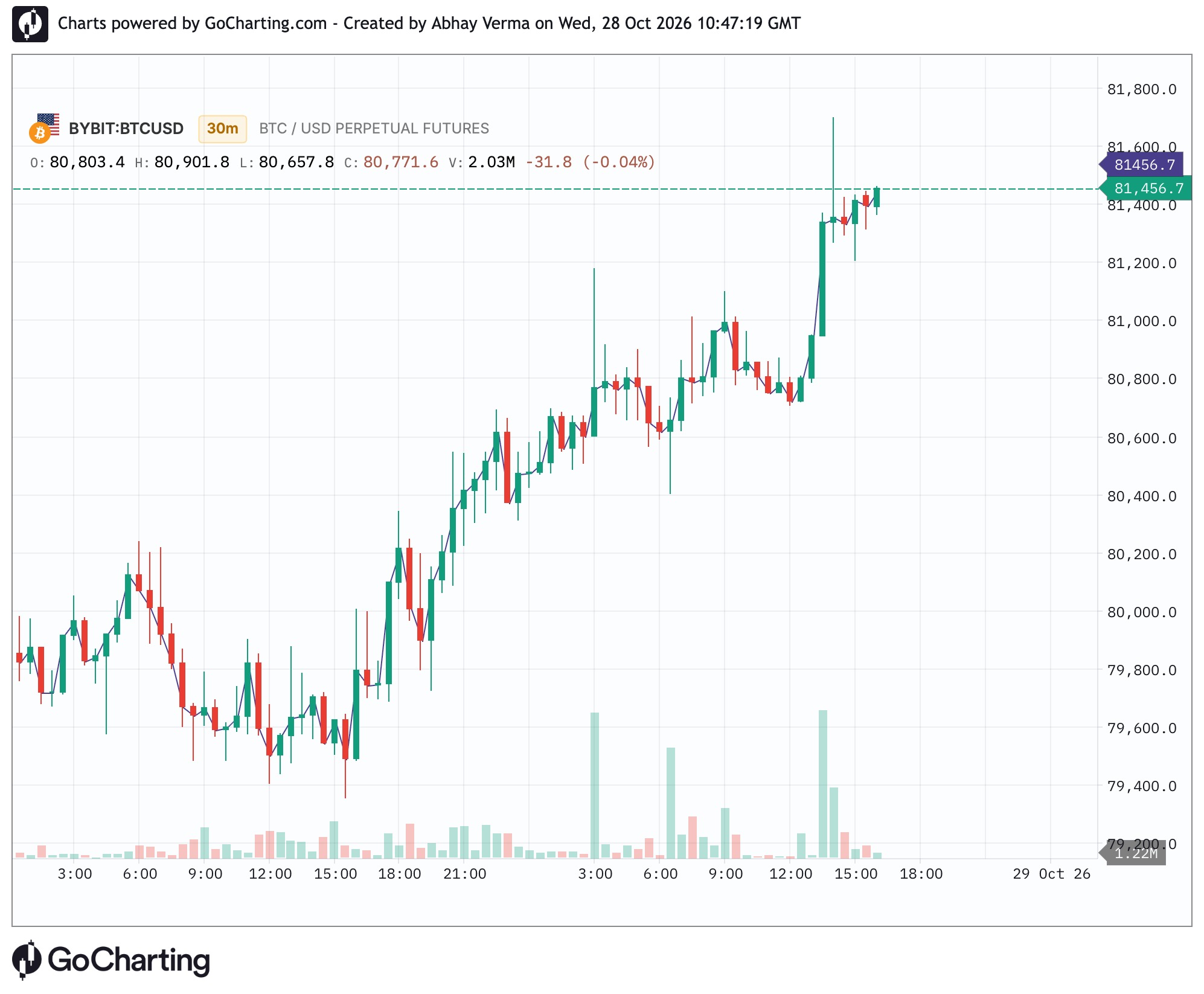
This doe nothing. sdfjhsdfhshdfhsfsjhdfhjsdhjfhjsdfhjhshjfhjsdjhfhjshjfhjsdhjf sdjhfshjdfhjsdjhfshjdfhjsd s dh sd g jdsf hdfhv djfv jj hffdv dfjvdfhfdj d
![Residual Persistence Breakdown Map [Pineify]](https://gocharting.com/screenshots/51e0e39a-3f98-405e-a919-3902f0f00007.png)
Lorem ipsum dolor sit amet, consectetuer adipiscing elit. Aenean commodo ligula eget dolor. Aenean massa. Cum sociis natoque penatibus et magnis dis parturient montes, nascetur ridiculus mus. Donec quam felis, ultricies nec, pellentesque eu, pretium quis, sem. Nulla consequat massa quis enim. Donec pede justo, fringilla vel, aliquet nec, vulputate eget, arcu. In enim justo, rhoncus ut, imperdiet a, venenatis vitae, justo. Nullam dictum felis eu pede mollis pretium. Integer tincidunt. Cras dapibus. Vivamus elementum semper nisi. Aenean vulputate eleifend tellus. Aenean leo ligula, porttitor eu, consequat vitae, eleifend ac, enim. Aliquam lorem ante, dapibus in, viverra quis, feugiat a, tellus. Phasellus viverra nulla ut metus varius laoreet. Quisque rutrum. Aenean imperdiet. Etiam ultricies nisi vel augue. Curabit
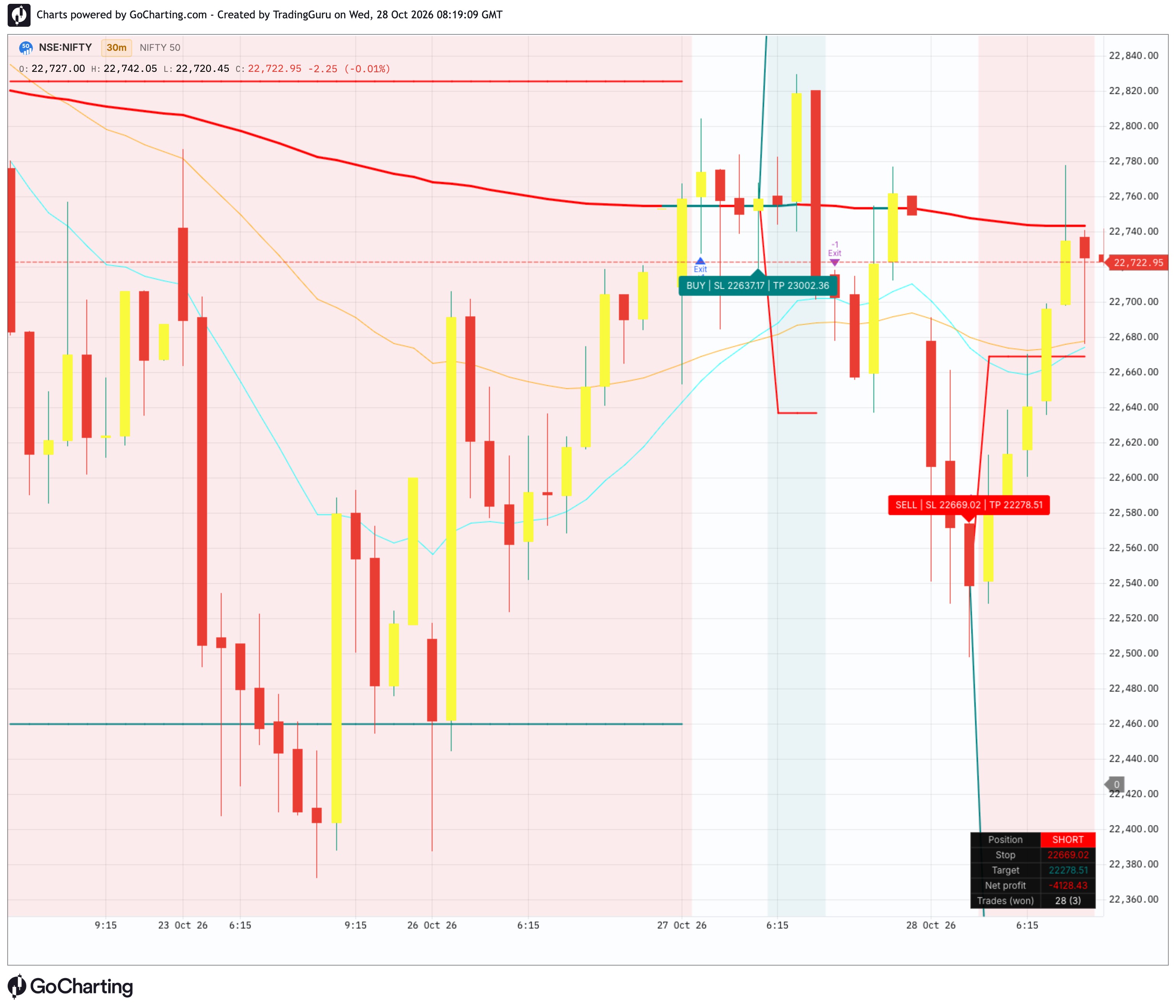
A trend-following strategy that takes EMA crossover signals only when they agree with the longer-term trend, then manages each trade with ATR-based risk.
How it works
Trend filter: The 200 EMA sets the bias. Longs only above it, shorts only below it. The line turns teal in an uptrend and red in a downtrend.
Entry signal: A long triggers when the 20 EMA crosses above the 50 EMA and RSI is above 50. A short triggers on the opposite cross with RSI below 50.
Risk management: Every trade gets a stop at 1.5x ATR from entry and a take-profit at 2:1 reward-to-risk. Both levels are plotted on the chart and printed on the entry label.
Early exit: If price closes back through the 200 EMA, the trade closes straight away instead of waiting for the stop or target.
On the chart
Fast, slow and trend EMAs
BUY / SELL labels showing the stop and target prices
Live stop and target lines while a trade is open
Background shading for long and short positions
A panel in the bottom right showing current position, stop, target, net profit and trades won
Settings
All lengths and risk values can be changed. Signal settings cover the fast, slow and trend EMA lengths, RSI length, and a toggle for short trades. Risk settings cover ATR length, stop multiplier and reward:risk.
Backtest defaults: 10,000 starting capital, 1 unit per trade, 0.05% commission, one position at a time.
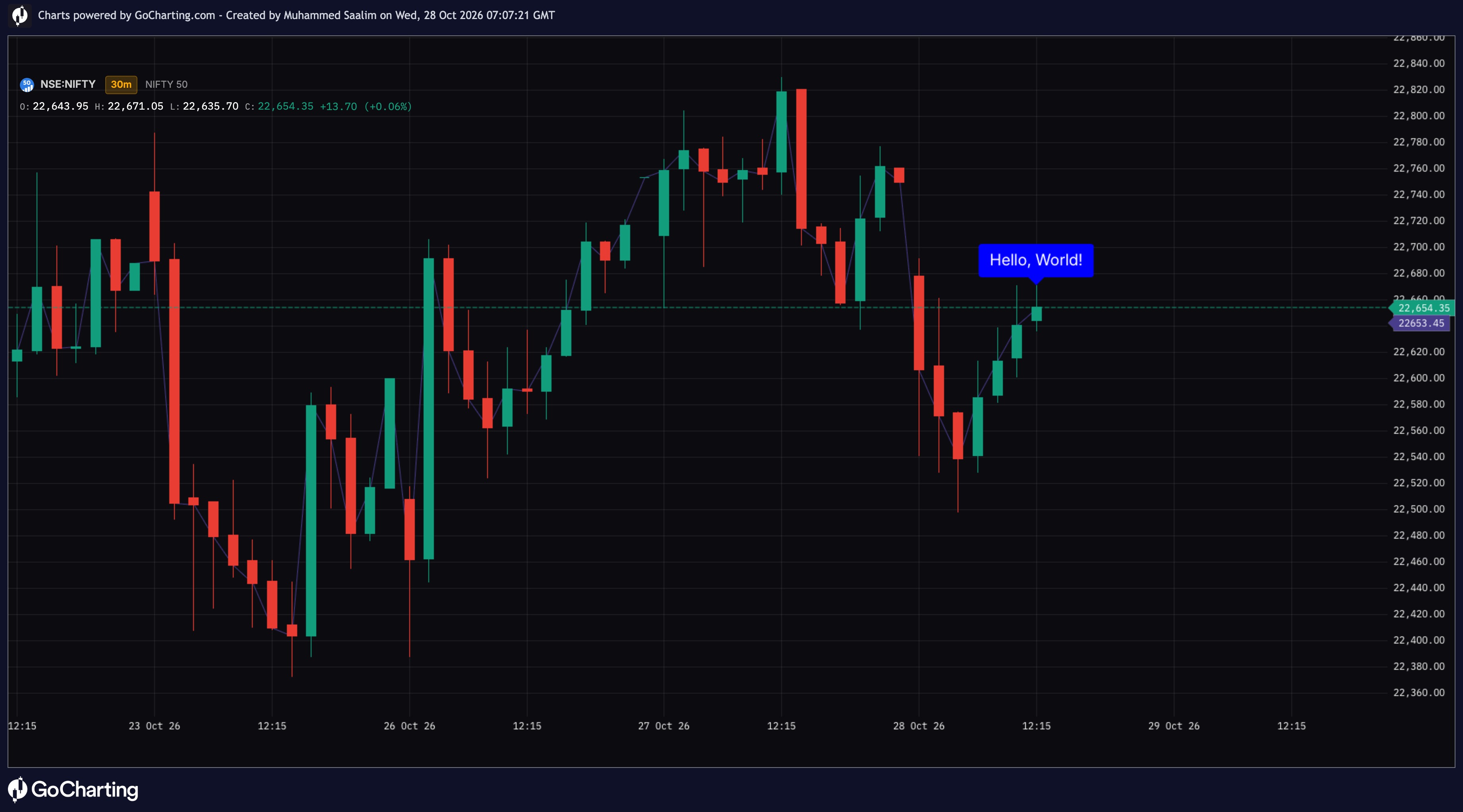
testtesttesttesttesttesttesttesttesttesttesttesttesttesttesttesttesttesttesttesttesttesttesttesttesttesttesttesttesttesttesttesttesttesttesttesttesttesttesttesttesttesttesttesttest
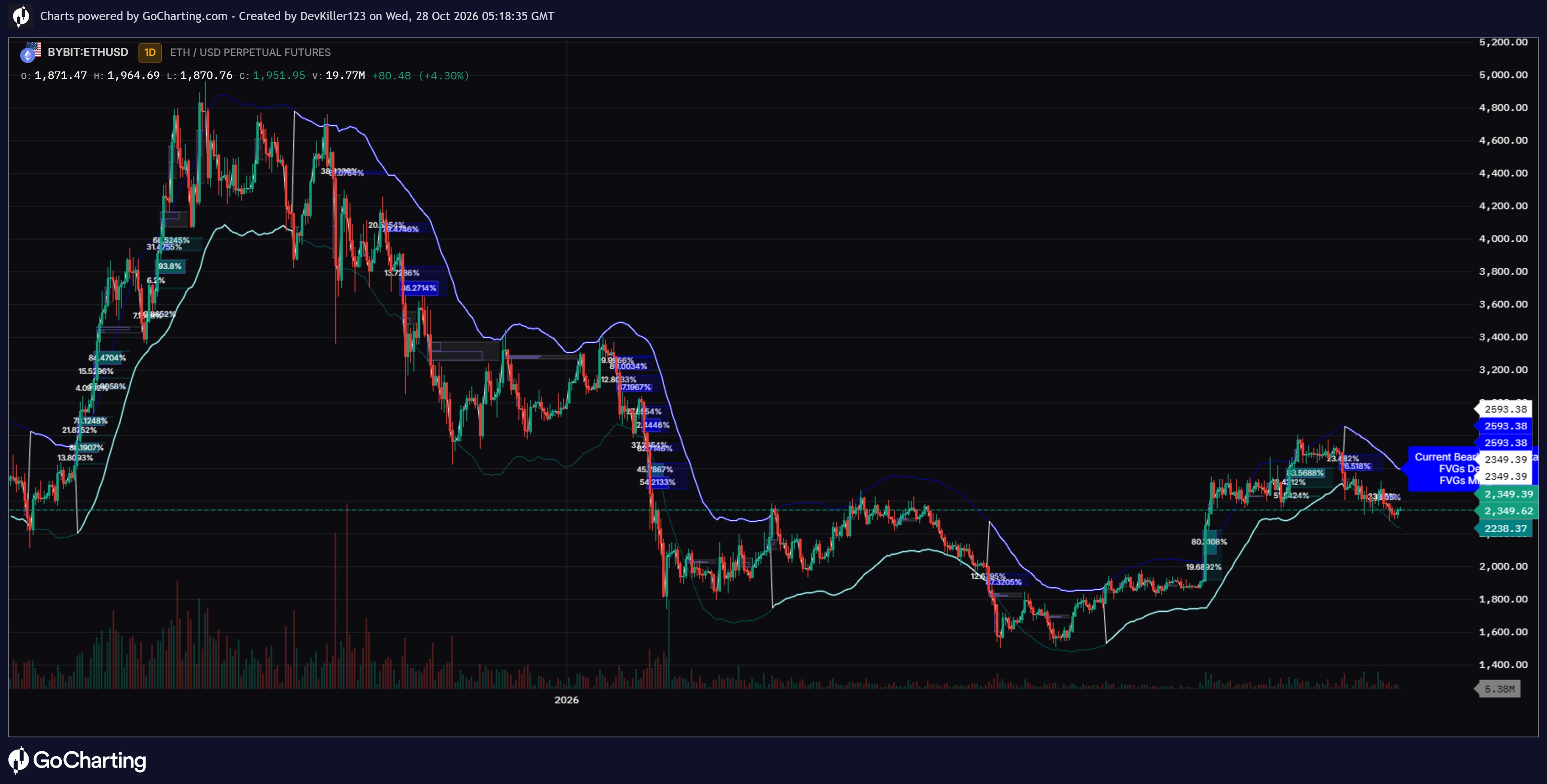
Trend Fair Value Gap Delta [ChartPrime]
🔶 OVERVIEW
Trading trends successfully requires tracking both market direction and areas where smart money leaves footprints. The Trend Fair Value Gap Delta [ChartPrime] indicator combines moving averages, volatility bands, Fair Value Gaps (FVGs), and internal volume distribution into a single system. It highlights active trend zones and automatically maps institutional imbalances with internal volume boxes to help you spot high-probability reaction points.
🔶 HOW IT WORKS
The indicator operates through a multi-step analytical engine:
Trend & Volatility Bands: Calculates a Simple Moving Average (SMA) baseline and uses Average True Range (ATR) multipliers to plot dynamic upper and lower volatility boundaries.
State Machine Trend Tracking: Shifts between bullish and bearish modes when price breaks through the reference bands, updating color schemes and tracking statistics accordingly.
Trend-Aligned FVG Detection: Automatically scans for Fair Value Gaps that align with the current market trend direction, drawing structured zone boxes across the chart.
Internal Volume Breakdown: Calculates buy and sell volume percentages within each FVG candle and displays them as split interior proportion boxes.
🔶 KEY FEATURES
Active Trend Band & Gradient Fills: Highlights the key structural band corresponding to the active trend, complete with a dynamic color gradient fill extending toward price action.
Smart FVG Mitigation Tracking: Automatically updates FVG zone colors when price mitigates them or when market volatility locks the level in.
Built-in Volume Percentage Boxes: Displays clear internal ratio boxes showing buy versus sell volume inside active FVG zones.
Last Bar Statistics Label: Features a summary label on the final chart bar displaying current trend state, total FVGs detected, and mitigation counts.
🔶 TRADING APPLICATIONS
FVG Rejection Entries: Look for price to pull back into active, unmitigated Fair Value Gaps aligned with the trend band to find high-confluence continuation entries.
Volume Strength Analysis: Check the internal percentage boxes inside FVGs to see if buyers or sellers dominated the imbalance candle before taking a position.
Dynamic Trend Following: Use the active trend band and color-coded gradient fills to quickly identify market bias and stay on the correct side of momentum.
🔶 SETTINGS
SMA Settings (Length / Source): Controls the lookback period and price data source used for the central moving average basis.
Band Settings (ATR Length / Multiplier): Adjusts the volatility distance used to calculate the upper and lower reference bands.
FVG Settings (Visibility / Colors / Mitigation): Toggles FVG generation and customizes fill colors and border styling for active and mitigated zones.
Delta Volume & Style Settings: Customizes internal volume box colors, text formatting, gradient transparency levels, and summary statistics display options.
🔶 CONCLUSION
The Trend Fair Value Gap Delta [ChartPrime] brings complete order to chart analysis. By uniting trend bands, institutional price gaps, and internal volume metrics into one display, it gives you a clear visual edge for mapping market structure.
Supported Markets
Lipi scripts work across all GoCharting markets — NSE/BSE Futures & Options, CME Futures (/ES, /NQ, /CL, /GC), Forex & Crypto and Indian equities. Orderflow metrics (delta, buy/sell volume, OI) are available wherever the underlying data feed supports them.