Community Trading Scripts & Custom Indicators
Browse Lipi Scripts · Trading Strategies · Custom Indicators
24 Scripts Downloaded…
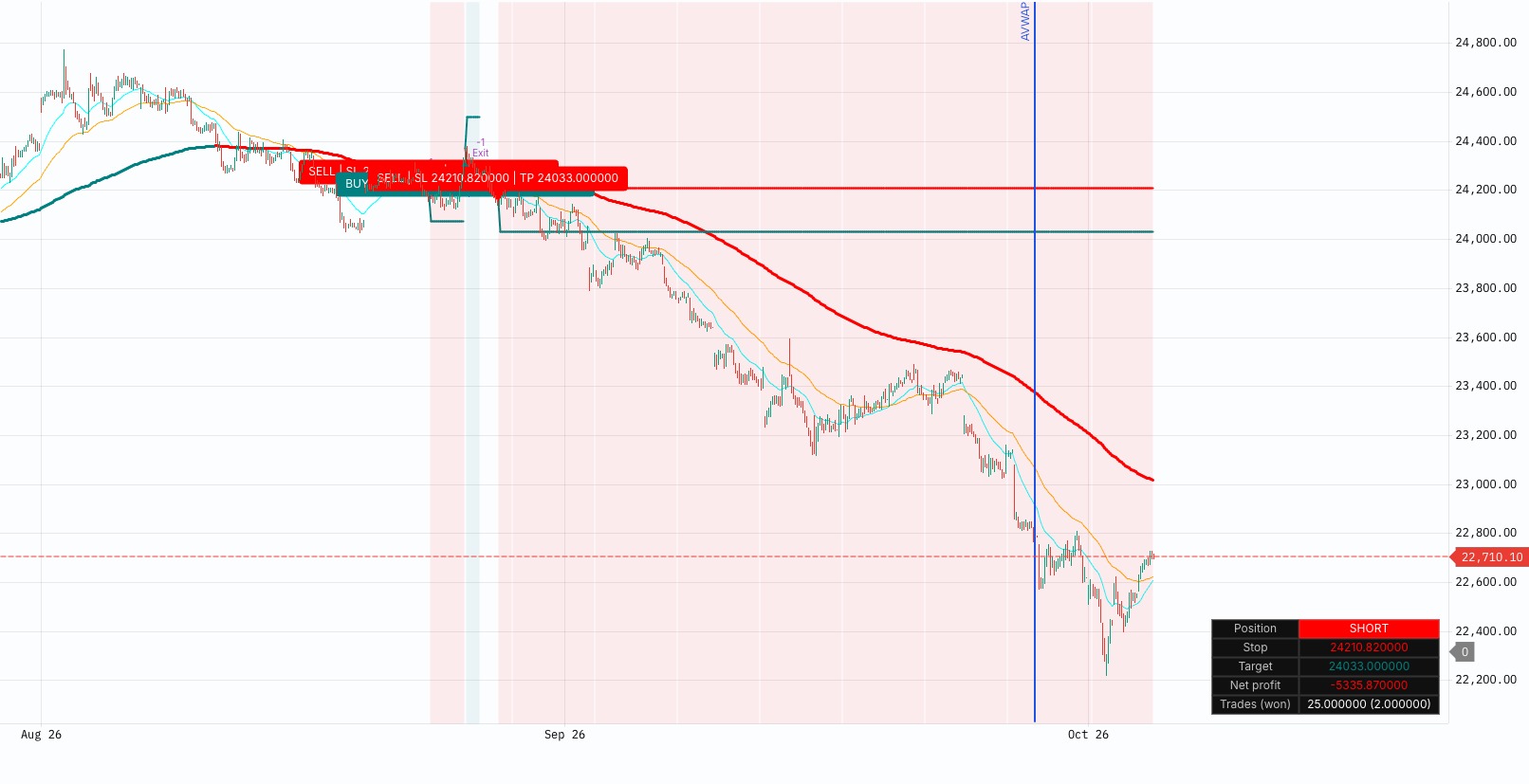
EMA Pullback
EMA Pullback Strategy
 TradingGuru· 2h ago
 Protected
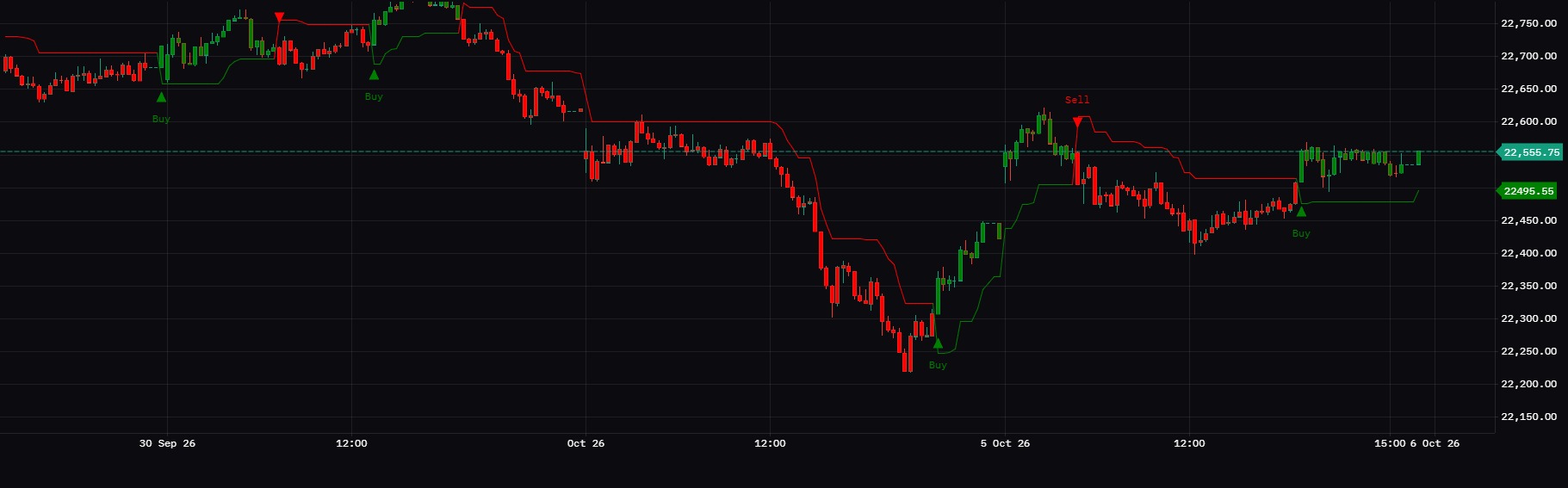
BUY SELL SIGNAL
BUY SELL SIGNAL is a simple trend-following tool that plots a trailing stop line based on market volatility (ATR). How to read it: Green line + Buy marker: price has closed above the stop, which suggests an uptrend. Red line + Sell marker: price has closed below the stop, which suggests a downtrend. Candles turn green or red to match the current trend. Settings: Key Value: controls sensitivity. Higher values give fewer, slower signals. Lower values give more, faster signals. ATR Period: the volatility lookback (default 10). Tips: It works best in trending markets and can give false signals in sideways ones. Confirm signals with support/resistance, volume, or a higher-timeframe trend. Adjust the settings to suit your symbol and timeframe. .
 Subhajit Bhattacharya· 22h ago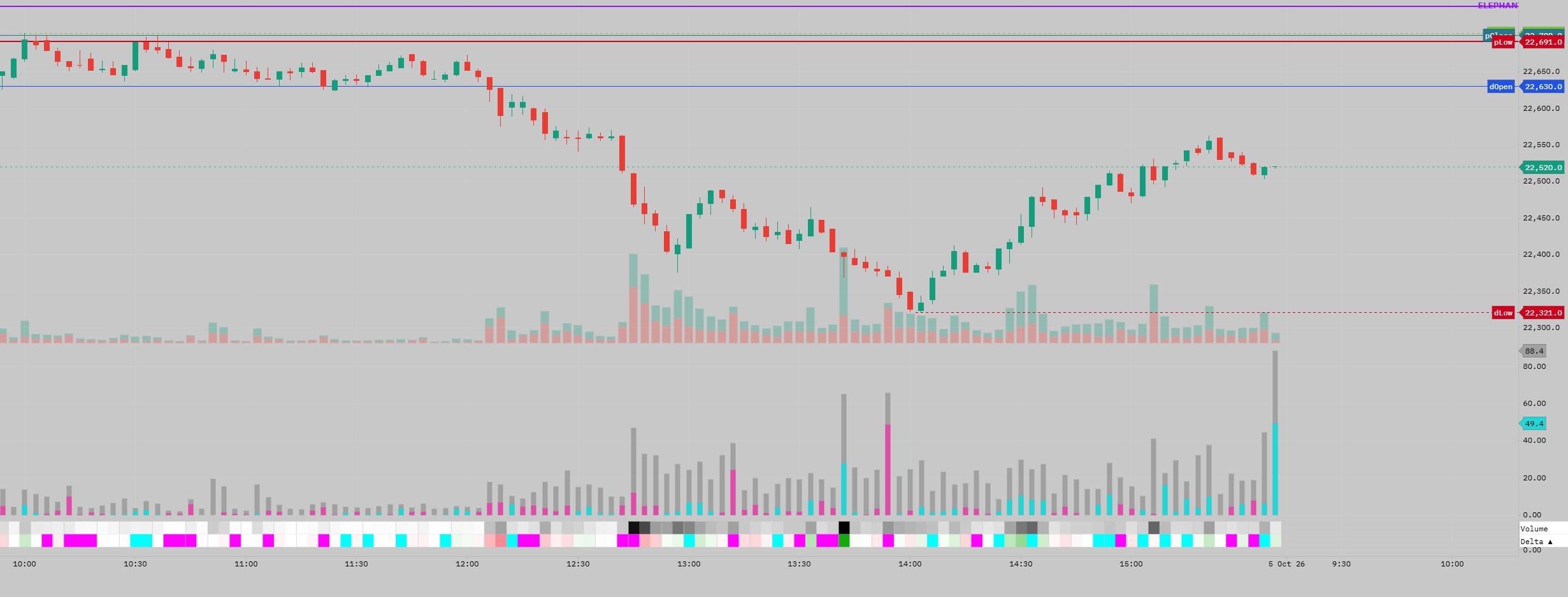
EVR | Effort vs Result
EVR | Effort vs Result A simple order-flow indicator built around one question: How much trading effort is required to produce the observed price movement? EVR separates Total Effort from the Directional Effort generated by order-flow Delta. EVR is not simply a volume indicator. It relates volume to the price range produced by that volume. How it works Total Effort = Volume ÷ (High − Low) Directional Effort = |Delta| ÷ (High − Low) Delta Efficiency % = Directional Effort ÷ Total Effort = |Delta| ÷ Volume The outer grey histogram represents Total Effort, while the inner turquoise/magenta histogram represents Directional Effort. The relative size of the coloured portion within the Total Effort bar also provides a visual representation of Delta Efficiency. A selectable Volume Base of 100 / 500 / 1K / 5K / 10K lets you adjust the numerical scale without changing the underlying relationship. Meaning High EVR = relatively high effort (volume) is required to produce relatively little price movement. Low EVR = price is moving with relatively low effort (volume). Large coloured portion relative to the grey bar → high Delta Efficiency Small coloured portion relative to the grey bar → low Delta Efficiency The three-layer interpretation Bar height → Total EffortColoured bar height → Directional EffortColoured / total proportion → Delta Efficiency High EVR Price is expensive to move. Then look at the coloured portion: Large directional component Much of the effort was one-sided. Small directional component Most of the effort was two-sided. That combination is particularly revealing: High EVR + small directional effort → Heavy fighting, churn, or conditions consistent with absorption. High EVR + large directional effort → Strong aggression, but price is still expensive to move. Low EVR + large directional effort → Efficient directional movement. Low EVR + small directional effort → Price moving easily with relatively little directional commitment, potentially due to thin liquidity or a lack of opposing participation. Two practical use cases 1. Deterioration after an extended move When price has already travelled significantly and EVR suddenly rises, it means more effort is being required to produce further price movement. This is not a reversal signal by itself, but it can be a useful risk-management cue to tighten stops and watch for confirmation such as CVD divergence or failure to extend. 2. Absorption and breakout quality Around an important breakout level, high Total Effort with relatively little price progress can highlight conditions consistent with absorption. This can occur just before the break, as aggressive participation struggles to push through the level, or immediately after the break, when heavy effort produces little follow-through. A subsequent failure to extend can provide an early warning that the breakout is struggling to gain acceptance. Conversely, a breakout with relatively low effort and strong directional effort suggests price is moving more easily. EVR measures the effort. Price structure and other order-flow tools provide the context.
 Sandeep Shinde· 3d ago
 Protected
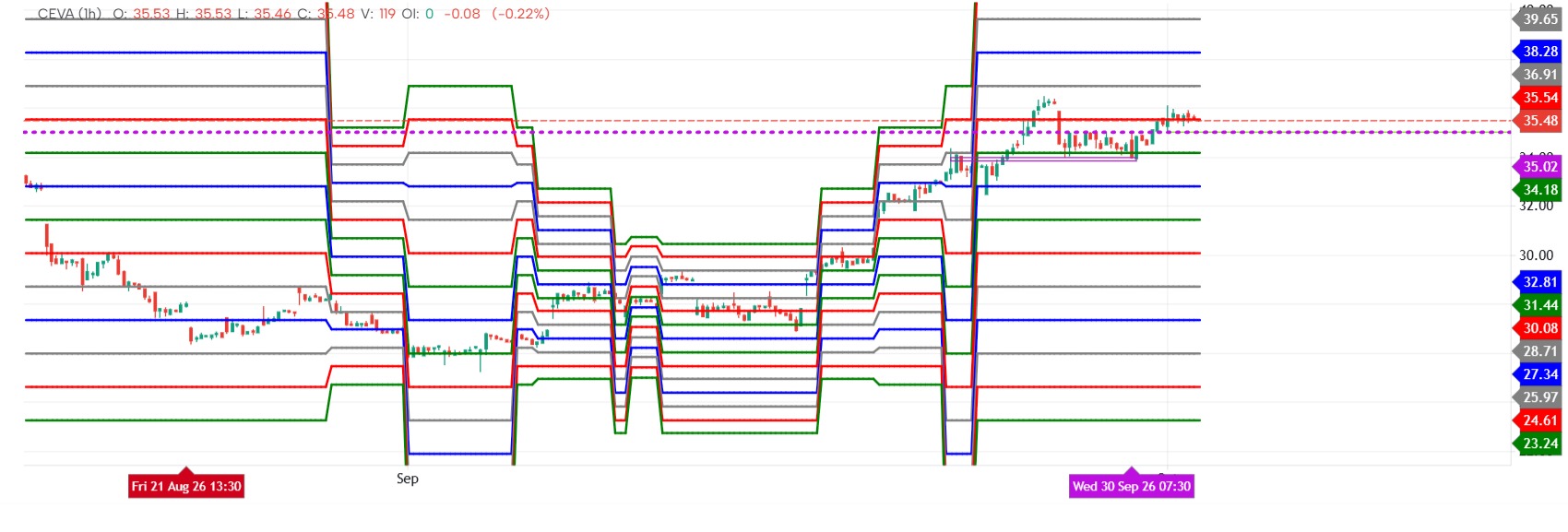
Murrey Math Lines
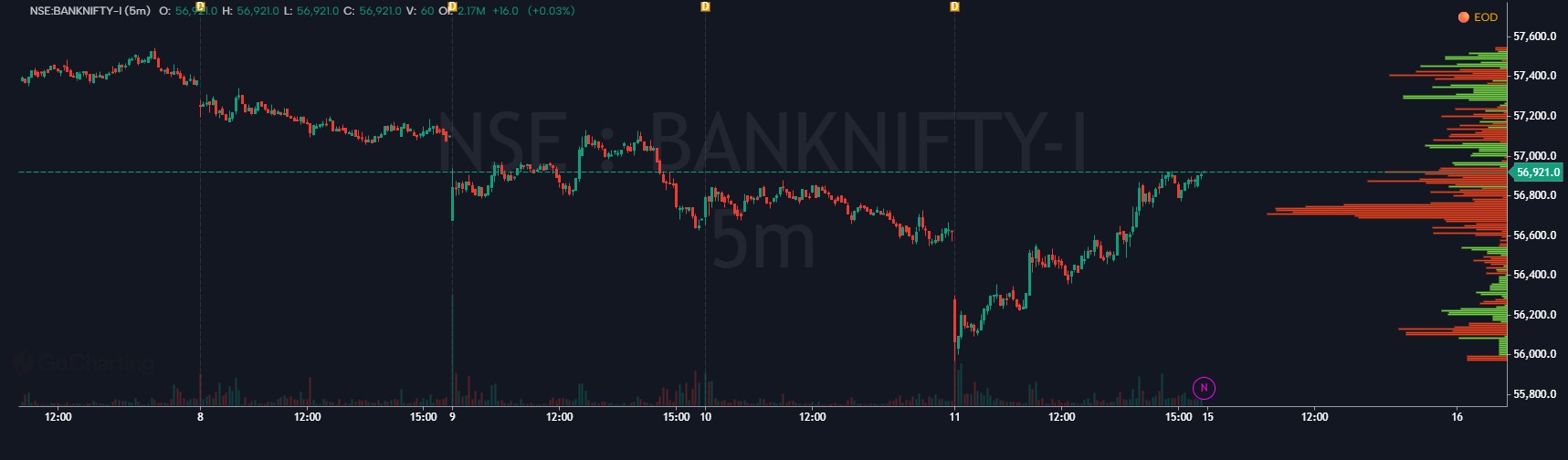
Murrey Math Lines (MML) are a technical analysis system developed by T.H. Murrey, based on the geometric and number theories of W.D. Gann. The system divides price action into an eight-part grid (or "octave") using 1/8th intervals to identify support, resistance, pivot points, and trend reversals.
 Giorgio MyA· 4d ago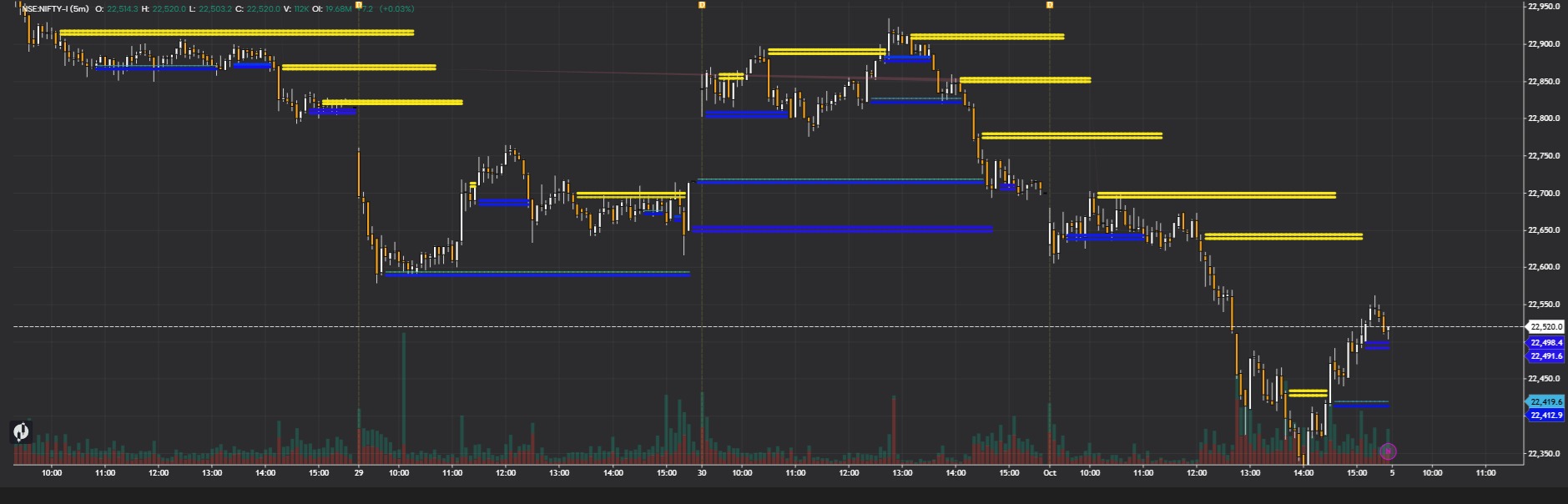
Title: Karan — High Liquidity Support & Resistance Zones
Karan highlights potential support and resistance zones using price structure and volume activity. It focuses on areas around previous swing highs, swing lows, and consolidation ranges where trading interest may be concentrated. These zones help traders watch for price reactions, breakouts, retests, and possible liquidity sweeps. Treat them as areas of interest rather than guaranteed reversal levels. Liquidity is inferred from price and volume patterns; the zones do not confirm the presence of resting orders.
 Karan Singh· 5d ago
 Protected
4S-Smooth Structural Strength Score
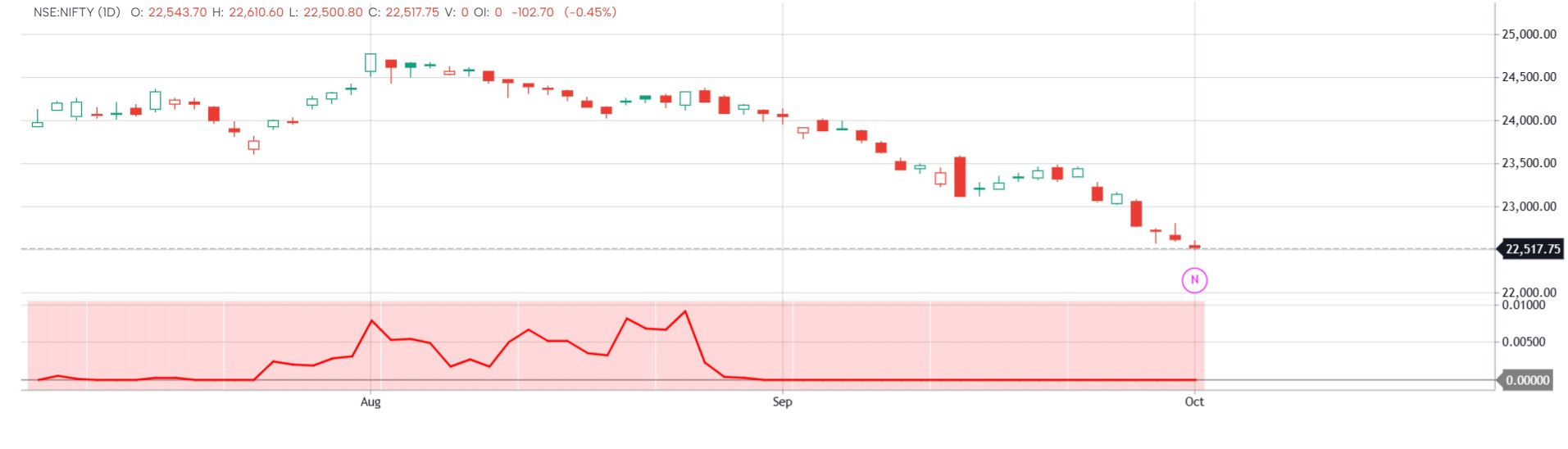
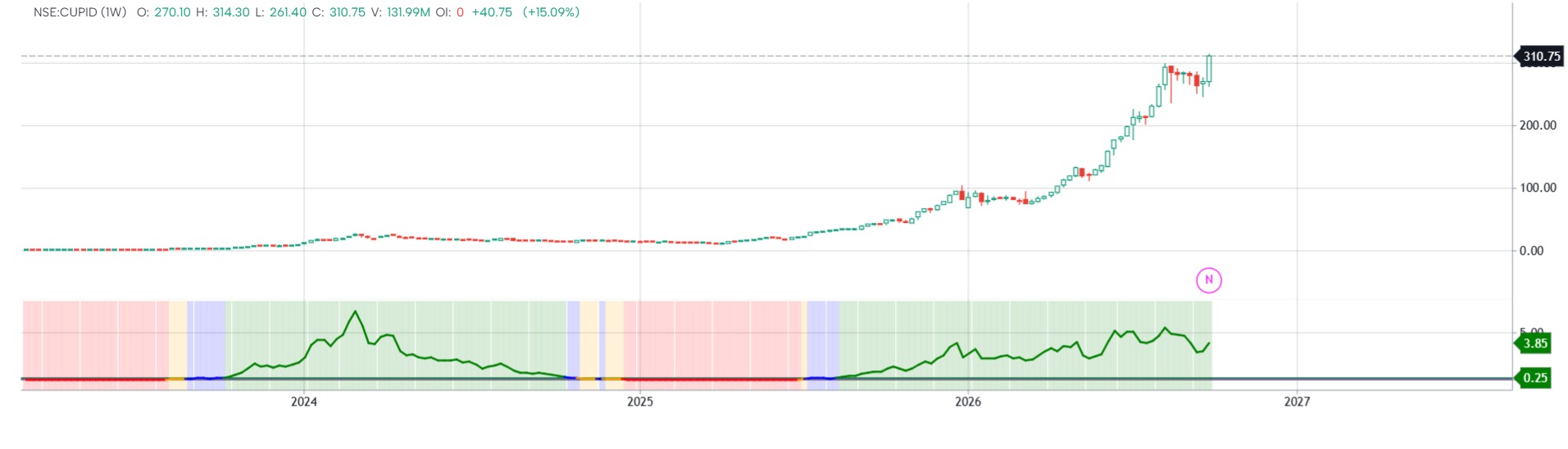
Smooth Structural Strength Score (SSSS) Proprietary Market Leadership Model SmoothStructural Strength Score is a proprietary market leadership model designed toidentify securities exhibiting both strong long-term appreciation and efficientdirectional behavior. The indicatoris built on the premise that the strongest market leaders typically demonstratetwo characteristics: 1. Meaningful long-term priceadvancement. 2. Consistent directional progresswith limited structural degradation. CoreFramework Long-TermPerformance Component The modelevaluates annualized price advancement through a rolling weekly performanceframework. This componentmeasures whether an asset has demonstrated sufficient long-term appreciation toqualify as a potential leadership candidate. Securities lacking meaningfullong-term progress are naturally penalized regardless of short-term strength. DirectionalEfficiency Component Priceappreciation alone does not necessarily indicate a healthy trend. The indicatortherefore incorporates a proprietary efficiency factor designed to evaluate howeffectively price has progressed toward its current level. Assets reachingnew highs through relatively organized and persistent directional movementreceive higher efficiency readings. Assets reachingsimilar returns through excessive volatility, repeated reversals, or unstableprice action receive lower efficiency readings. StructuralStrength Score The final scoreis generated by combining long-term performance with directional efficiency. This approachseeks to identify securities that are not only appreciating but doing sothrough stable and constructive market behavior. As a result,the model favors assets displaying characteristics commonly associated withsustained leadership while filtering out many low-quality advances drivenprimarily by short-term speculation or erratic movement. What theIndicator Shows The indicatorclassifies stocks into four categories: ● Leadership Zone — Score Value > 0.25 Strongest stocks in the market. Clear and sustained uptrends. Potential candidates for position tradingand long-term trend following. ● Trend Zone — Score Value Between 0.15 to 0.25 Stocks with healthy upward momentum. Positive trend structure remains intact. Suitable for trend-following strategies. ● Choppy Zone — Score Value 0.05 to 0.15 Mixed or inconsistent price behaviour. Lack of clear directional conviction. Requires additional confirmation beforetaking positions. ● Noise Zone — Score Value 0 to Weak market structure. Lack of sustained trend. Generally avoided by trend-followinginvestors. How to UseIt · Focus on stocks moving into theLeadership or Trend zones. · Continue holding positionswhile the stock remains in a strong category. · Use price action and riskmanagement tools to manage exits. · Avoid making decisions solelybased on short-term market noise. KeyBenefits · Quickly identifies marketleaders · Helps filter out weak andsideways stocks · Supports systematic stockselection · Useful for momentum andtrend-following investors · Easy visual classificationusing color-coded zones Ideal For · Position Traders · Swing Traders · Momentum Investors · Portfolio Managers · Relative Strength Investors The objectiveof the Structural Strength Score is simple: identify stocks exhibiting strong,persistent trends and avoid stocks lacking clear direction.
 nishshkumar jaani· 5d ago
 Protected
4S indicator
4F indicator4F indicator4F indicator4F indicator4F indicator4F indicator4F indicator4F indicator4F indicator4F indicator4F indicator4F indicator4F indicator
nishshkumar jaani· 5d ago![[IMBA] ALGO](https://gocharting.com/screenshots/0d865643-65ac-4492-9317-0d6297db707d.png)
[IMBA] ALGO
[IMBA] ALGO is a market-analysis and trade-signal indicator designed to identify potential LONG and SHORT opportunities using dynamic sensitivity, price-channel analysis, and Fibonacci-based trend levels. The indicator calculates a dynamic lookback based on the selected sensitivity and uses the highest/lowest price range to derive key Fibonacci levels (23.6%, 38.2%, 50%, 61.8%, and 78.6%). The 50% Fibonacci level is used as the primary IMBA trend line to help identify bullish and bearish market conditions. Features include:• Dynamic float-based sensitivity• LONG and SHORT trend signals• Entry, Stop Loss and TP1–TP4 levels• Configurable TP percentages and partial allocations• Break-Even target selection• Fixed or Fibonacci-based Stop Loss• Optional RSI confirmation signals• TP, SL and Break-Even event markers• Configurable risk and initial deposit settings• Alert conditions for trade and target events The indicator is intended as a market-analysis and signal-generation tool. Users should perform their own analysis and apply appropriate risk management before making trading decisions.
 [email protected]· 5d ago
 Protected
Trend Sense Level2
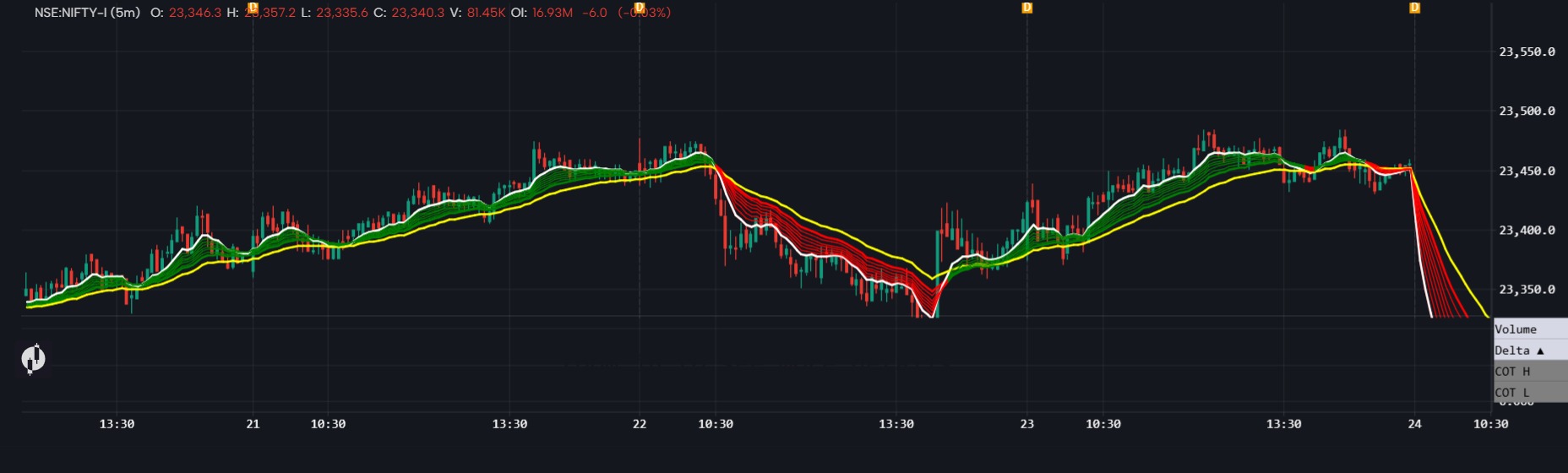
TrendPulse — Trend Identification Indicator Developed with Level 2 Traders, TrendPulse is designed to help traders quickly identify market trends and potential trend changes. Use TrendPulse alongside other confirmations or Level 2 strategies to strengthen your trade setups and filter opportunities based on market direction. TrendPulse is a confirmation tool, not a standalone trading signal.
 binil baby· 1w ago
ICT Key Levels Lipi
ICT SMC key Levels Execution is a complete Smart Money Concepts and ICT style market structure tool built to visually flag, in real time, the specific footprints that large institutional players are believed to leave on a price chart. This indicator was created because most retail price action is not random, it is a reaction to a small number of repeating institutional behaviors, and instead of forcing a trader to manually mark every swing high, every swing low, every unfilled gap, every institutional footprint candle and every stop hunt by hand, this tool automates the entire process and displays it directly on the chart as it happens. The goal is to give the trader one unified, layered view of structure, liquidity, imbalance and momentum, all working together as a single decision making framework rather than several separate indicators that do not talk to each other.
 DevKiller123· 1w ago
 Protected
FVG Indicator
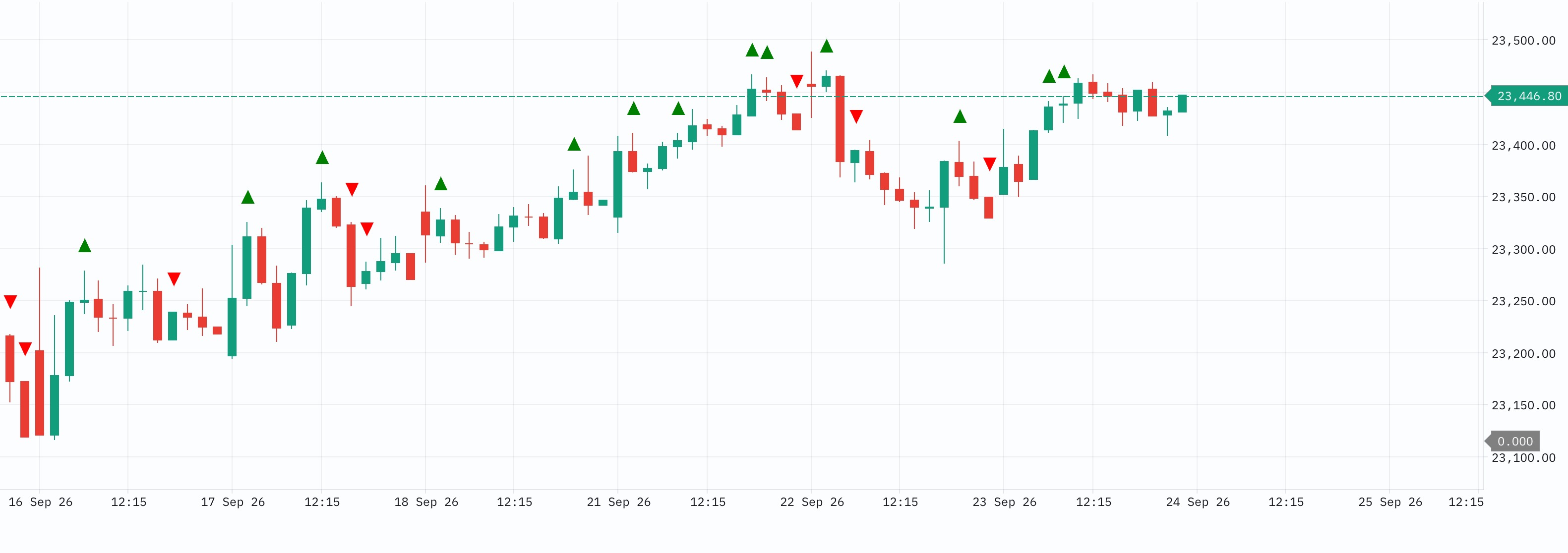
Fair Value Gap (FVG) Indicator identifies three-candle price imbalances where aggressive movement leaves an inefficiently traded price zone between the first and third candles. Core logic: Bullish FVG: Third candle's low is above the first candle's high. Bearish FVG: Third candle's high is below the first candle's low. Mark the resulting price zone as the FVG. Track whether the gap remains unfilled, partially filled, or fully mitigated. Give greater significance to FVGs aligned with market structure, liquidity sweeps, Volume Profile levels, Delta/CVD and Footprint imbalances. For the Gocharting project: the FVG indicator should not merely draw boxes. It should eventually classify FVGs by direction, size, location, age, mitigation status, volume/Delta context and market regime, allowing them to become inputs into the broader setup/confluence engine.
 Rajdeepak· 1w ago
 Protected
Buying / Selling aggression
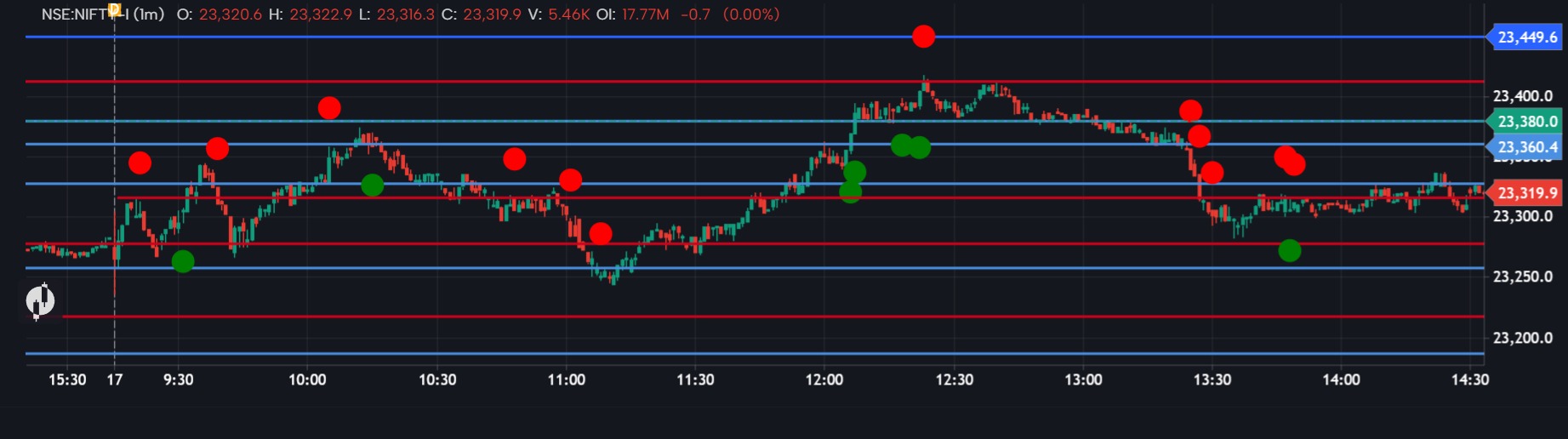
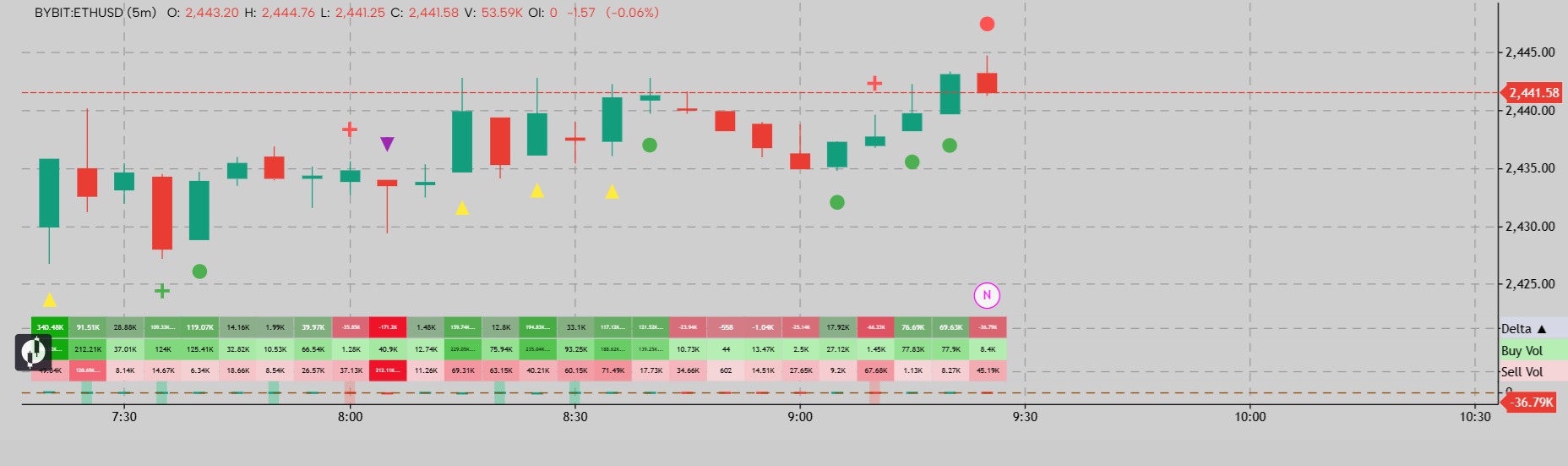
Buying / Selling Aggression Marks candles where one side of the order flow clearly dominates, using GoCharting's trade-level buy and sell volume rather than total volume alone. What it does A green circle appears below a candle when aggressive buyers dominate; a red circle above when aggressive sellers do. A candle must pass two tests to qualify: The dominant side's volume meets a minimum threshold That side exceeds the other by a set ratio The volume floor prevents quiet candles from qualifying on lopsided ratios built from very little trade. Settings Min Aggressive Volume (default 10,000) — the volume floor. Lower this on 1m charts, raise it on higher timeframes. Imbalance Ratio (default 2) — how one-sided the candle must be. The more effective of the two filters; raise toward 2.0 to flag only extreme imbalance. Circle Size (default 4) — 1 tiny through 5 huge. Both alert conditions are exposed to the alert widget for webhook or notification use. Calibration Aim for roughly 5–15 markers per session. Too many means the ratio is too low; too few means the volume floor is too high. How to use it This is a scanner, not a signal. A marker in the middle of a range means little on its own. It carries information when it appears at a level you had already marked — value area edges, VWAP, session highs and lows. Aggression at a level being broken suggests the break is real; the absence of it on a break suggests the move lacks participation or there was an agressiona and it went in the opposite direction then its indicates that there was absorption. Requires: a symbol and chart type with order flow data available. Disclaimer Built and calibrated for NIFTY futures. The default thresholds reflect NIFTY's volume profile and will not transfer to other instruments — on lower-volume symbols nothing will plot, and on higher-volume ones nearly every candle will. Recalibrate both settings before using it elsewhere. Extra tip : use it on the previous day's VAH,VAL and POC of volume profile. For education and analysis only. Not investment advice.
 Aswin V Paniker· 2w ago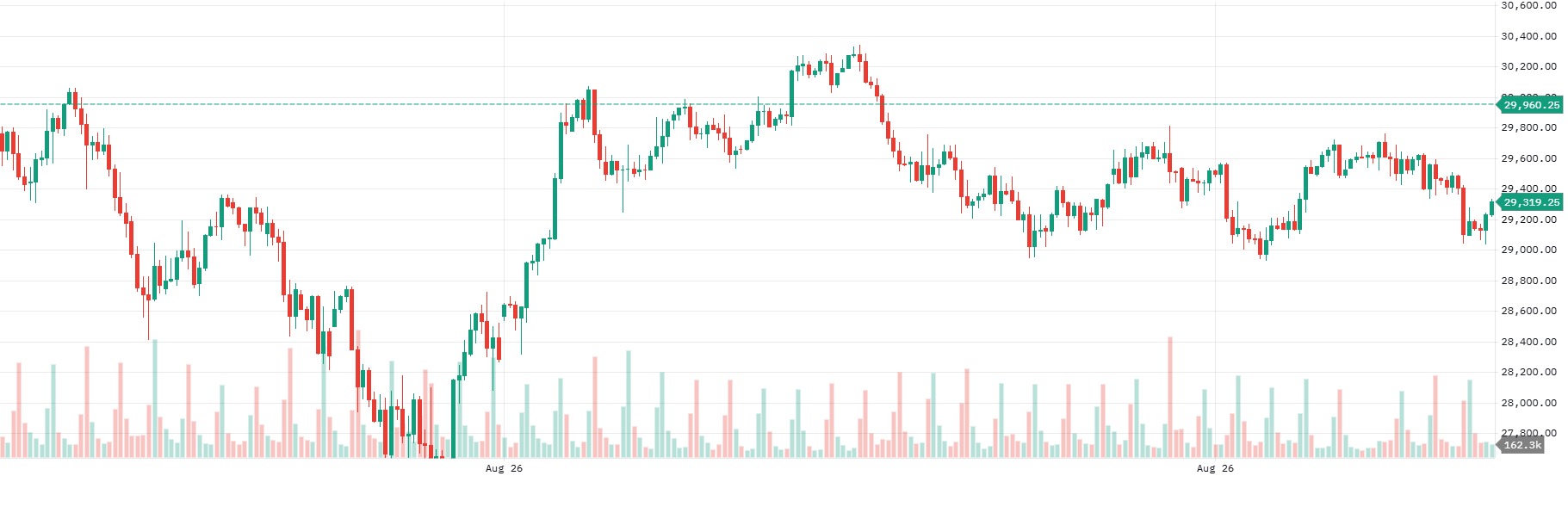
fx session
use for kill zone you can use for best time to trade volatility and good tradev use according with your strategy and manage ur risk according ur capital.
 prop account· 2w ago
 Protected
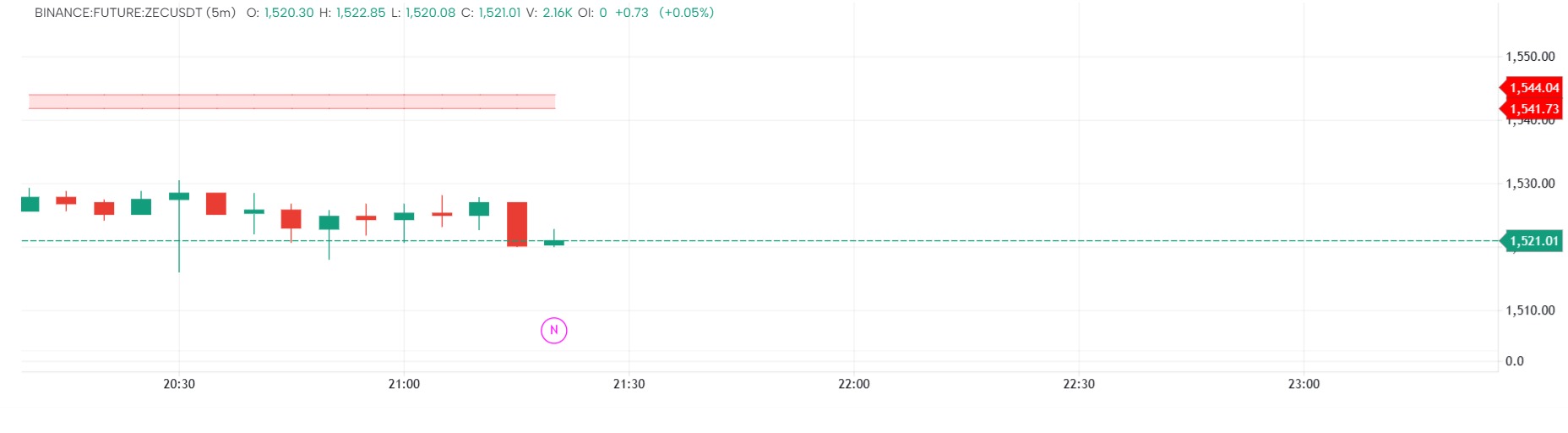
FVG Indicator
The indicator highlights the Fair Value gaps create when prices moves with momentum. This indictaor also displays inverted fair value gaps so traders can take informed decision when to enter the trade
 Raghavendran Sridharan· 2w ago
 Protected
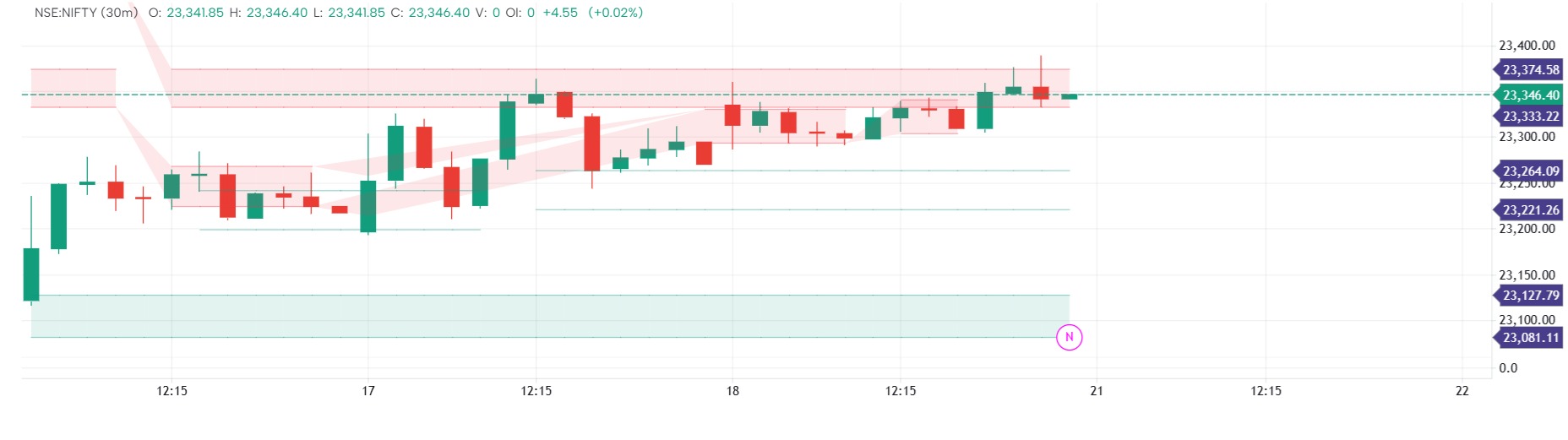
Support and Resistance
This indicator plats the support and resistance level based onthe pivot levels reached. There is an option to increase the pivot strength and maximum lines per side can also be configured. Also if a support are resistance is broken you have an option to display those levels or remove it.
Raghavendran Sridharan· 2w ago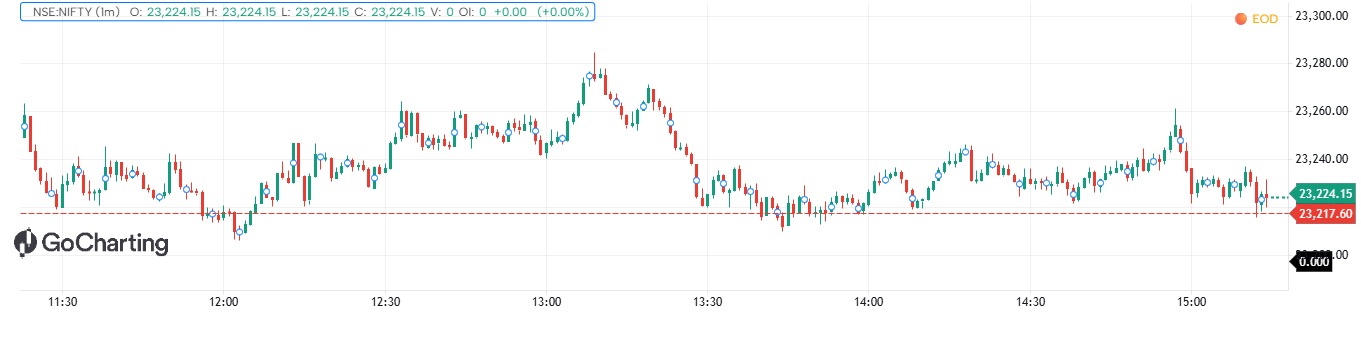 Protected
EMA 9+21 scalper
EMA (9+21)for personal use used for scalping in nifty 50 , used only for nifty 50 may be errors while live market , used for back testing
 Hari Jaddu· 2w ago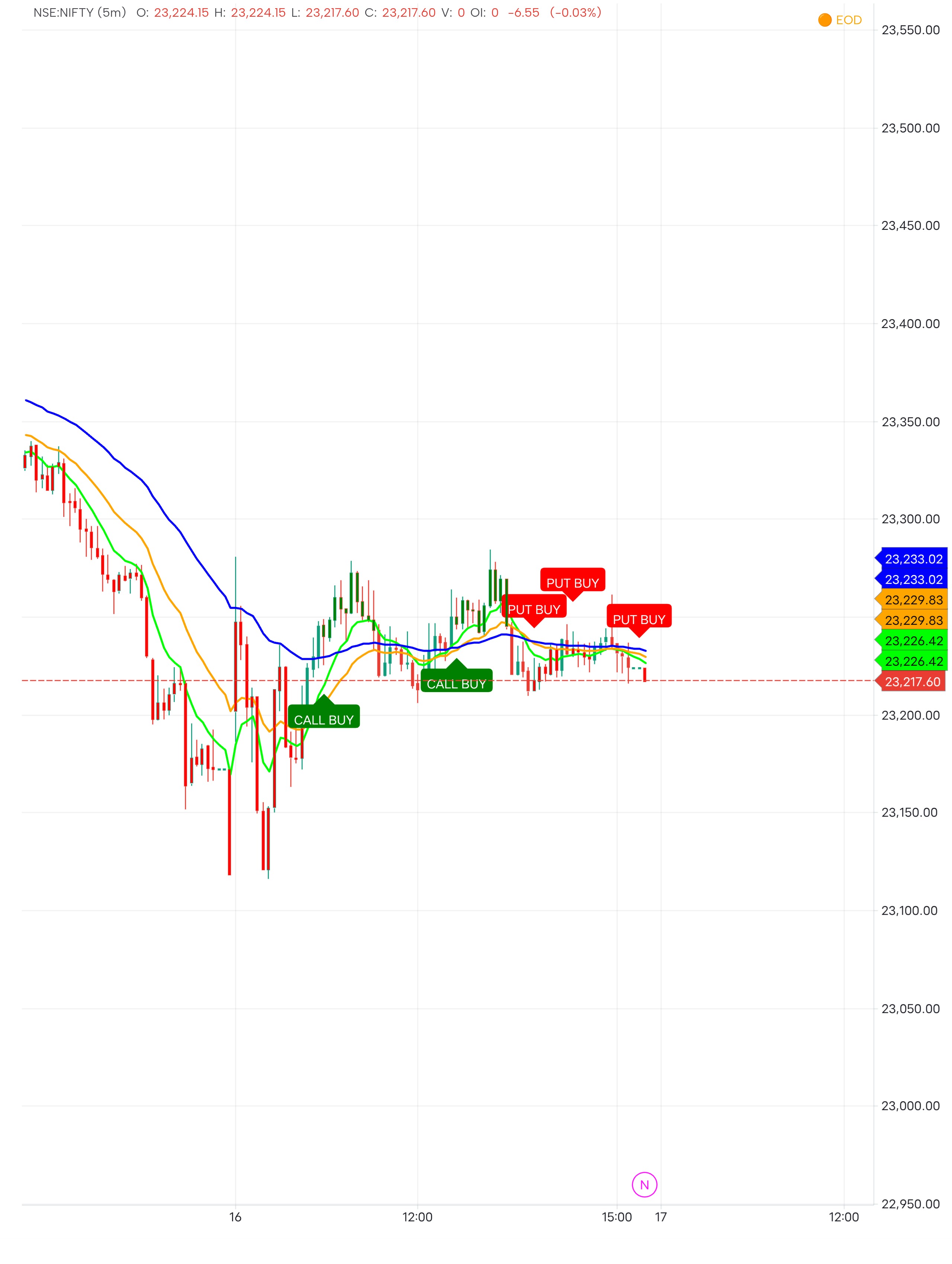
Trend follower v2
// Smooth Call Put Trend Indicatorindicator("Smooth Call Put Trend", overlay=true)src = input.source(close, title="Source")fastLen = input.int(9, title="Fast EMA Length")slowLen = input.int(21, title="Slow EMA Length")trendLen = input.int(50, title="Trend EMA Length")confirmBars = input.int(2, title="Trend Confirmation Bars", minval=1)atrLen = input.int(14, title="ATR Length")minGapAtr = input.float(0.10, title="Minimum EMA Gap (ATR)", minval=0.0)showEma = input.bool(true, title="Show EMAs")showBars = input.bool(true, title="Color Trend Bars")fastEma = talib.ema(src, fastLen)slowEma = talib.ema(src, slowLen)trendEma = talib.ema(src, trendLen)atrValue = talib.atr(atrLen)emaGap = math.abs(fastEma - slowEma)bullBase = fastEma > slowEma and close > trendEma and emaGap >= atrValue * minGapAtrbearBase = fastEma = atrValue * minGapAtrbullConfirmed = bullBase and bullBase[1]bearConfirmed = bearBase and bearBase[1]bullSignal = bullConfirmed and not bullConfirmed[1]bearSignal = bearConfirmed and not bearConfirmed[1]plot(showEma ? fastEma : na, title="9 EMA", color=color.lime, linewidth=2)plot(showEma ? slowEma : na, title="21 EMA", color=color.orange, linewidth=2)plot(showEma ? trendEma : na, title="Trend EMA", color=color.blue, linewidth=2)plotshape(bullSignal, title="CALL BUY", shape=shape.labelup, location=location.belowbar, color=color.green, text="CALL BUY", textcolor=color.white, size=size.small)plotshape(bearSignal, title="PUT BUY", shape=shape.labeldown, location=location.abovebar, color=color.red, text="PUT BUY", textcolor=color.white, size=size.small)barTrendColor = bullConfirmed ? color.green : bearConfirmed ? color.red : nabarcolor(showBars ? barTrendColor : na)if bullSignal { alert("CALL BUY: Smooth bullish trend confirmed")}if bearSignal { alert("PUT BUY: Smooth bearish trend confirmed")}
 Pranay Sutradhar· 2w ago
 Protected
GENx LEVELS AND REGIME
Fades price stretched from the max-pain OI magnet, confirmed by contrarian options flow, with the session Volume-Profile POC as confluence + target. Research killed the OI-levels myth; kept the real mean-reversion edge (~73% win, marginal net → forward-testing). Ships with live-GEX compute, weekly backtest, first-signal watcher, and a TradingView overlay that auto-syncs its levels.
 Ayan Sinha· 3w ago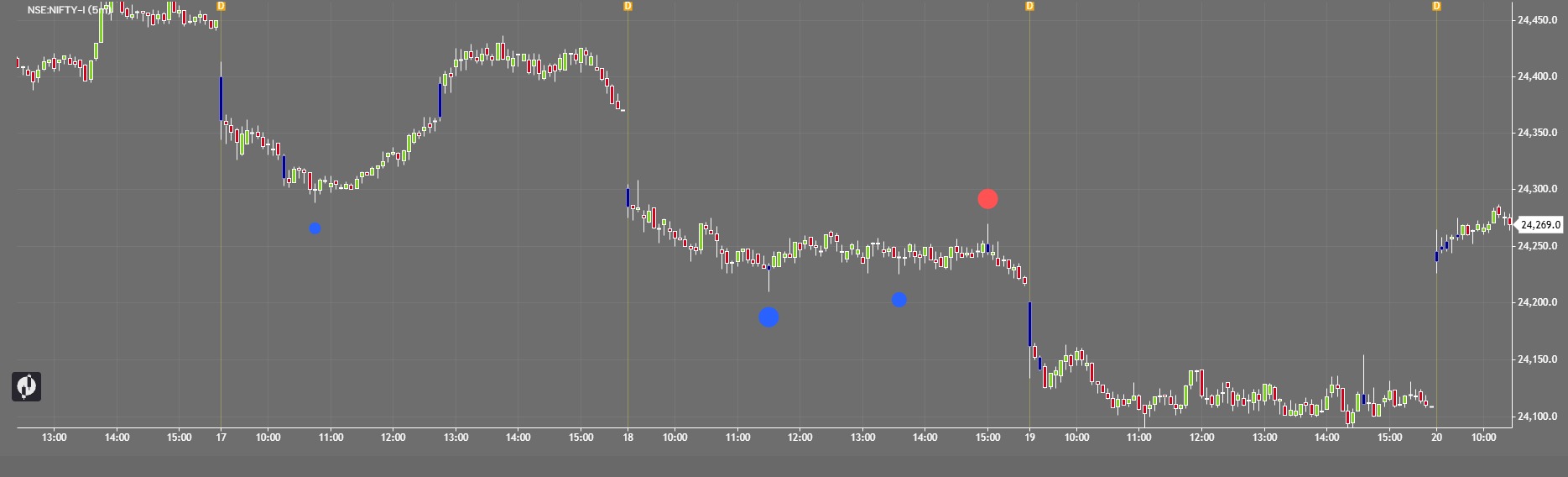
Critical Delta & Volume Candle Finder
Find critical volume candles and identify potential breakout or breakdown zones with ease. Set the Volume or Delta threshold according to your trading strategy. When the candle’s volume crosses your selected level, the indicator automatically highlights that candle in blue. You can use the highlighted candle’s High and Low as a reference range. Drag or extend this range on the chart and watch for a breakout above the candle high or breakdown below the candle low. These critical candles can help you identify areas of strong market participation and potential order-flow movement, giving you a clearer view of where a strong move may develop. How to use:🔹 Set your desired Volume/Delta level🔹 Wait for a candle to cross the selected threshold🔹 The critical candle is highlighted in blue🔹 Mark the candle High–Low range🔹 Break above High = potential bullish flow🔹 Break below Low = potential bearish flow Trade with confirmation and proper risk management. This indicator is a tool for market analysis, not financial advice.
Karan Singh· 4w ago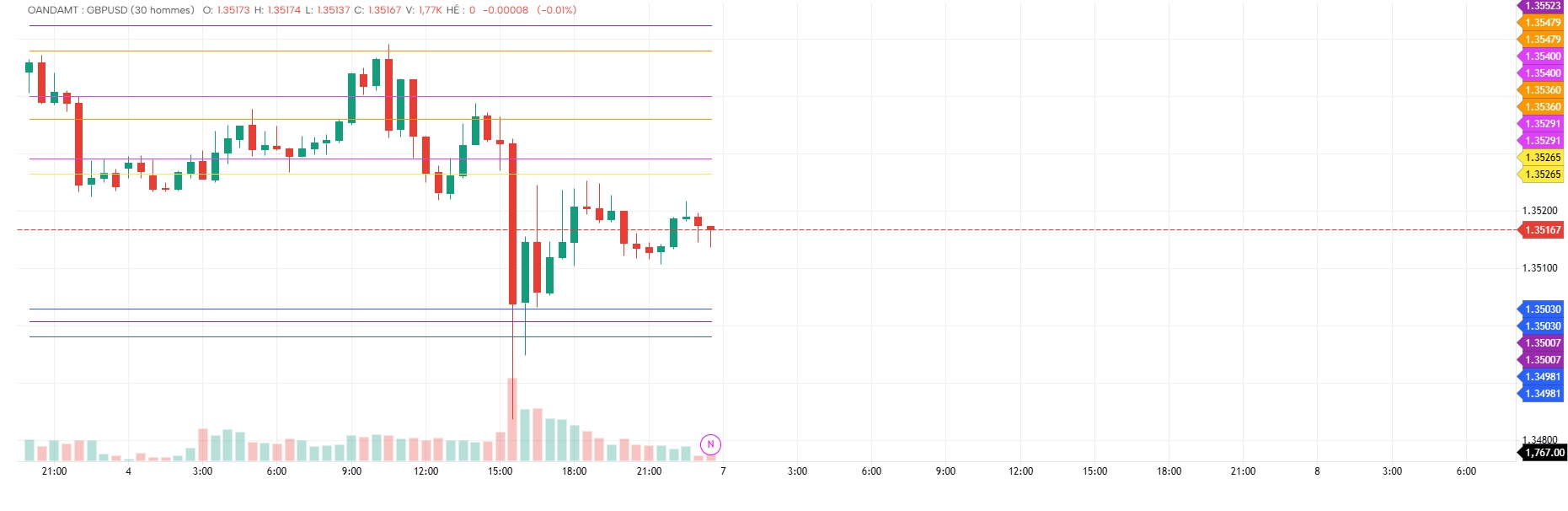 Protected
CRT PRINCI
CRT ALGODescription — CRT Master GoCharting CRT Master GoCharting est un indicateur basé sur la stratégie Candle Range Theory (CRT). Il identifie automatiquement les zones CRT, les phases de purge (liquidity sweep) et les bougies de confirmation afin de détecter des opportunités BUY / SELL. Fonctionnalités : 🟠 CRT Vendredi → Purge Lundi 🟣 CRT Lundi → Purge Mardi 🟠 CRT Dimanche → Purge Lundi Détection automatique du CRT High / CRT Low Détection de la Purge High / Purge Low Calcul du niveau 50% du CRT Confirmation sur la bougie H4 suivant immédiatement la purge Génération des signaux BUY / SELL Calcul automatique de Entry, TP1, TP2 et SL Affichage graphique avec des lignes fines pour faciliter la lecture du graphique. Logique principale :Après la formation du CRT, l'indicateur attend une cassure du High ou Low du CRT. Cette cassure constitue la purge. La bougie H4 suivante est ensuite utilisée comme bougie de confirmation avant d'afficher le signal. BUY : purge du CRT Low → confirmation sur la bougie H4 suivante.SELL : purge du CRT High → confirmation sur la bougie H4 suivante.
 RAHARISON Narovaniavo Jacques Princilino· 4w ago
 Protected
Volume highlighted candles
Highlighting of strong buyer and seller candles based on the strength of the opposing volume within each candle. The purpose is to identify candles where one side clearly dominates despite the presence of opposite-side trading activity. A strong buyer candle is identified by evaluating the buy volume relative to the sell volume within the same candle, while a strong seller candle is identified by comparing the sell volume against the corresponding buy volume. This helps distinguish genuinely dominant buying or selling pressure from candles where the volume is more balanced between both sides.
 Veroy· 1mo ago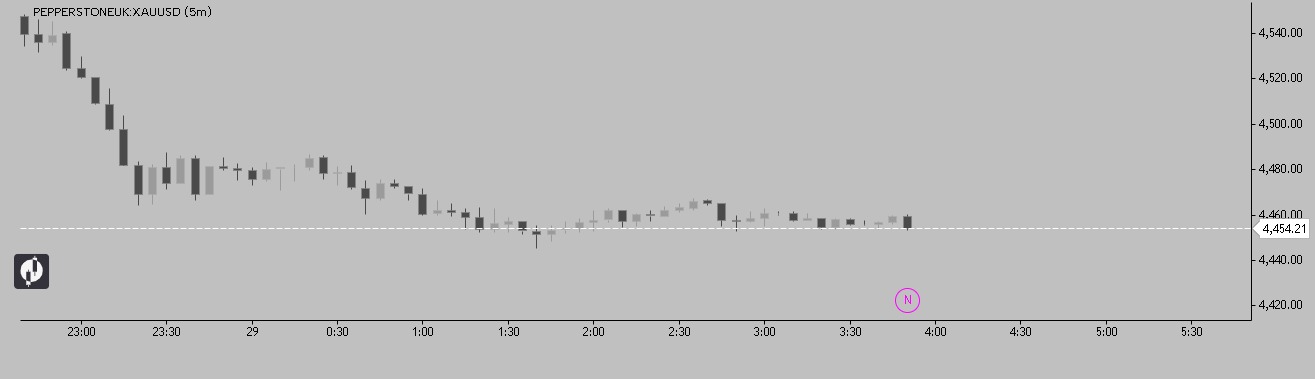
Momentum Candle
momentum candle by rizki aditama sekolah trading ............................................................................................. momentum candle adalah suastu candle besar dengan ekor kecil
 Fahmi GoCharting· 1mo ago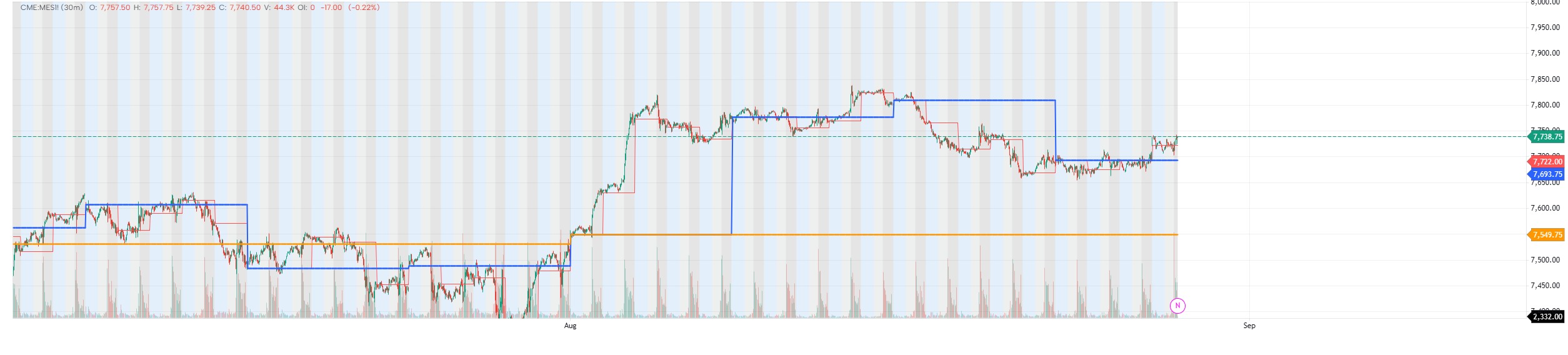
Auction Anchors
Daily • Weekly • Monthly Opens Markets do not begin at random. Every new day, week and month starts a fresh auction. In Auction Market Theory the open is not decoration. It is the start of price discovery for that timeframe. An open inside prior value often precedes rotation. An open outside prior value with conviction often precedes imbalance. Alignment across monthly, weekly and daily opens raises probability. Conflict between them warns you that you may be trading a counter-move inside a larger auction. This indicator plots the levels institutions actually use as reference: the Daily Open, Weekly Open and Monthly Open. Price is measured against these anchors so you can see, at a glance, whether the current auction is trading in premium or discount — and whether higher-timeframe structure supports or contradicts the move in front of you. What it showsDaily, Weekly and Monthly Opens as persistent reference linesOptional True OpensLive premium / discount state relative to each openClean, uncluttered overlay that stays readable on lower timeframes UsageUse the Monthly Open for swing bias.Use the Weekly Open for the week’s draw.Use the Daily Open for session execution. One framework. Three timeframes. Use in conjunction with Market Profile indicator for value areas.
 Vincent ACK· 1mo ago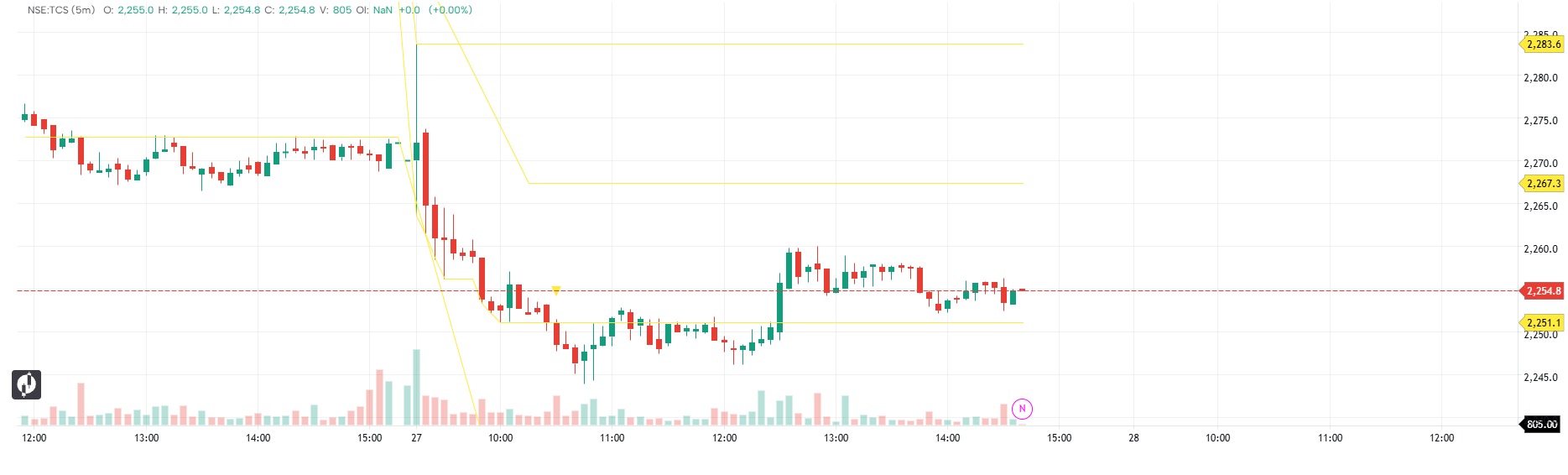
Initial Balance - NSE India
Initial Balance for NSE intraday charts. Default window is 09:15-10:15 IST (first 60 minutes of the regular session). Tracks the running high/low inside the window, locks them when it closes, then plots the midpoint and range extensions for the rest of the session. hour and minute follow the CHART timezone, not the exchange. If the chart is not on Asia/Kolkata, change the start hour/minute inputs, not the code. Use an interval that divides the window evenly: 1, 3, 5, 15 or 30 minutes.
 Anand G· 1mo ago