Sharing scripts
Publishing a script
You can publish a script. Publishing puts it in the script store, alongside the scripts other people have published.

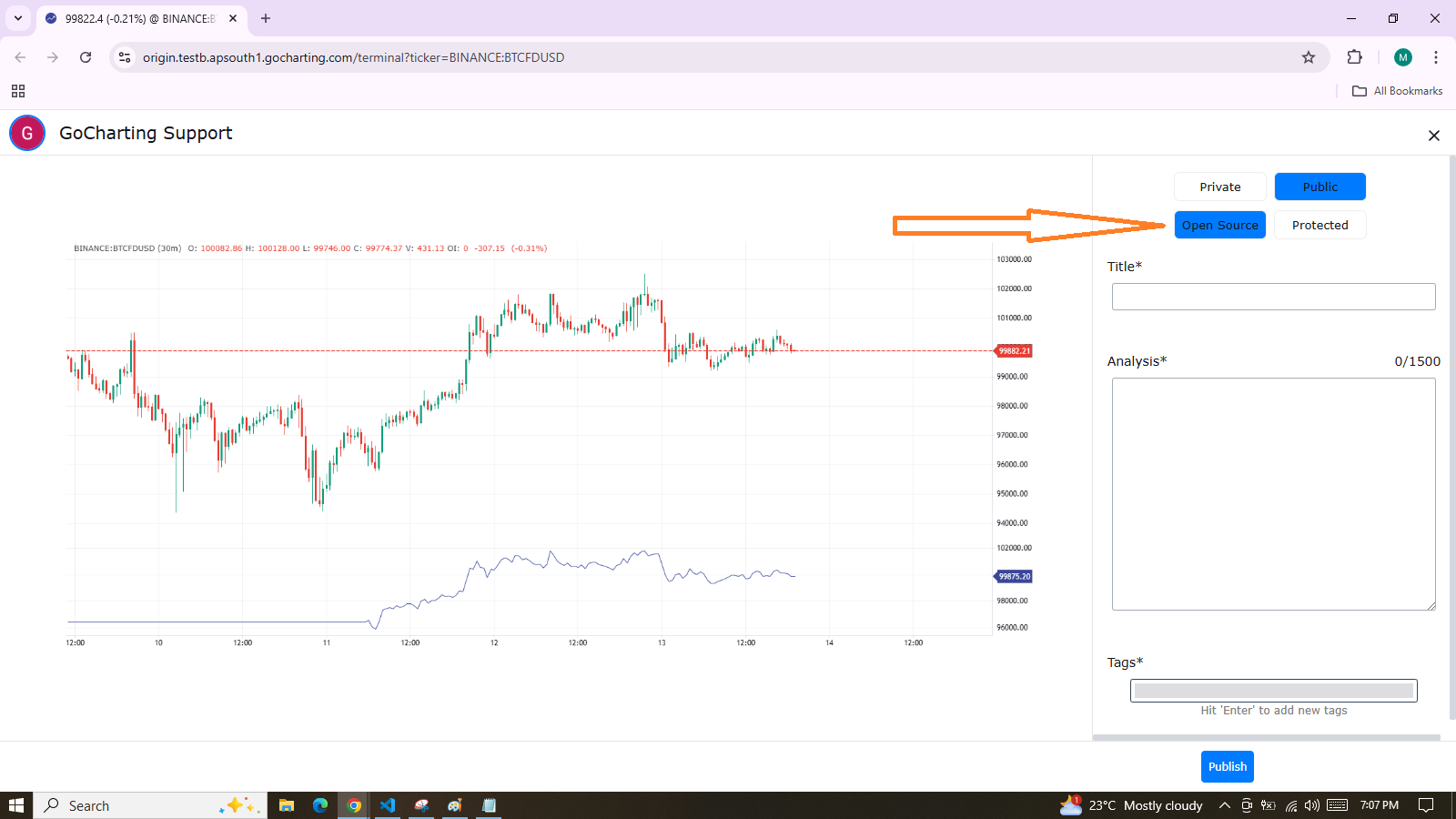
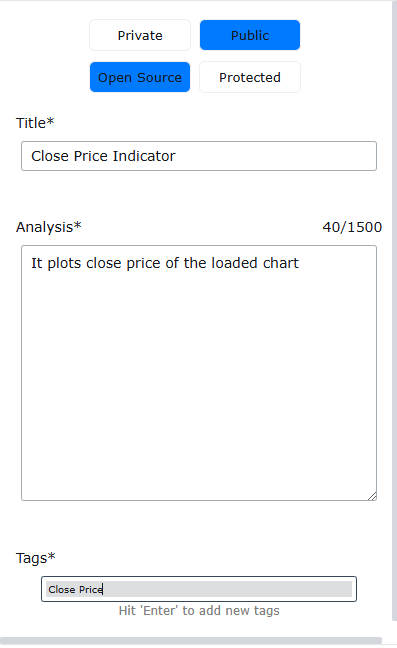
Public or private
A published script is either public or private. Public scripts are the ones other people can find and read.
Visibility is not fixed at the moment you publish. You can change a published script between public and private afterwards.
Search
Public scripts can be searched, so a reader who does not know your script exists can still find it.
Likes
A reader can like a public script, and the store records those likes against it.
Reading other people’s scripts
Published scripts can be read on the platform. Read them when you want to see how someone else wrote something you are trying to write.
Ready to put this into practice?
Try GoCharting Premium
Unlock advanced orderflow, market profile, options desk, and real-time data — everything you just read about, live in your charts.