Liquidity Hunter PRO SMC Edition [Thomas]

![Liquidity Hunter PRO SMC Edition [Thomas]](https://gocharting.com/screenshots/8abbf12f-4126-4ddd-9b38-166742d107d3.png)
ntroducing Liquidity Hunter PRO, a Smart Money Concepts (SMC) based indicator designed to help traders analyze liquidity, market structure, price imbalances and potential trading opportunities in one chart.
🔹 WHAT'S INCLUDED?
🔹1. Liquidity Sweep Detection
Detects potential liquidity sweeps around previously identified swing highs and swing lows.
A sweep below a swing low may indicate a potential bullish reversal.
A sweep above a swing high may indicate a potential bearish reversal.
Liquidity sweep markers help visualize areas where price may have taken liquidity before reversing.
🔹2. Order Blocks (OB)
Identifies potential bullish and bearish order block zones around market structure breaks.
Bullish Order Block zones are displayed in green.
Bearish Order Block zones are displayed in red.
The indicator displays the latest detected bullish and bearish Order Blocks.
These zones can help traders study potential areas of buying or selling interest.
🔹3. Fair Value Gaps (FVG)
Detects three-candle price imbalances known as Fair Value Gaps.
Bullish FVG zones are displayed in aqua.
Bearish FVG zones are displayed in orange.
These zones can help traders analyze potential price retracements and imbalance areas.
The indicator displays the latest bullish and bearish FVG zones.
snapshot
🔹4. Break of Structure (BOS)
Identifies potential bullish and bearish structural breaks.
Bullish BOS appears when price crosses and closes above a previously identified swing high.
Bearish BOS appears when price crosses and closes below a previously identified swing low.
BOS labels help traders study potential market structure continuation or changes.
🔹5. Market Structure Shift (MSS)
Waits for a liquidity sweep before looking for a potential market structure shift.
A bullish setup requires price to close above the stored swing high with bullish candle confirmation.
A bearish setup requires price to close below the stored swing low with bearish candle confirmation.
This confirmation process helps filter some unconfirmed liquidity sweep setups.
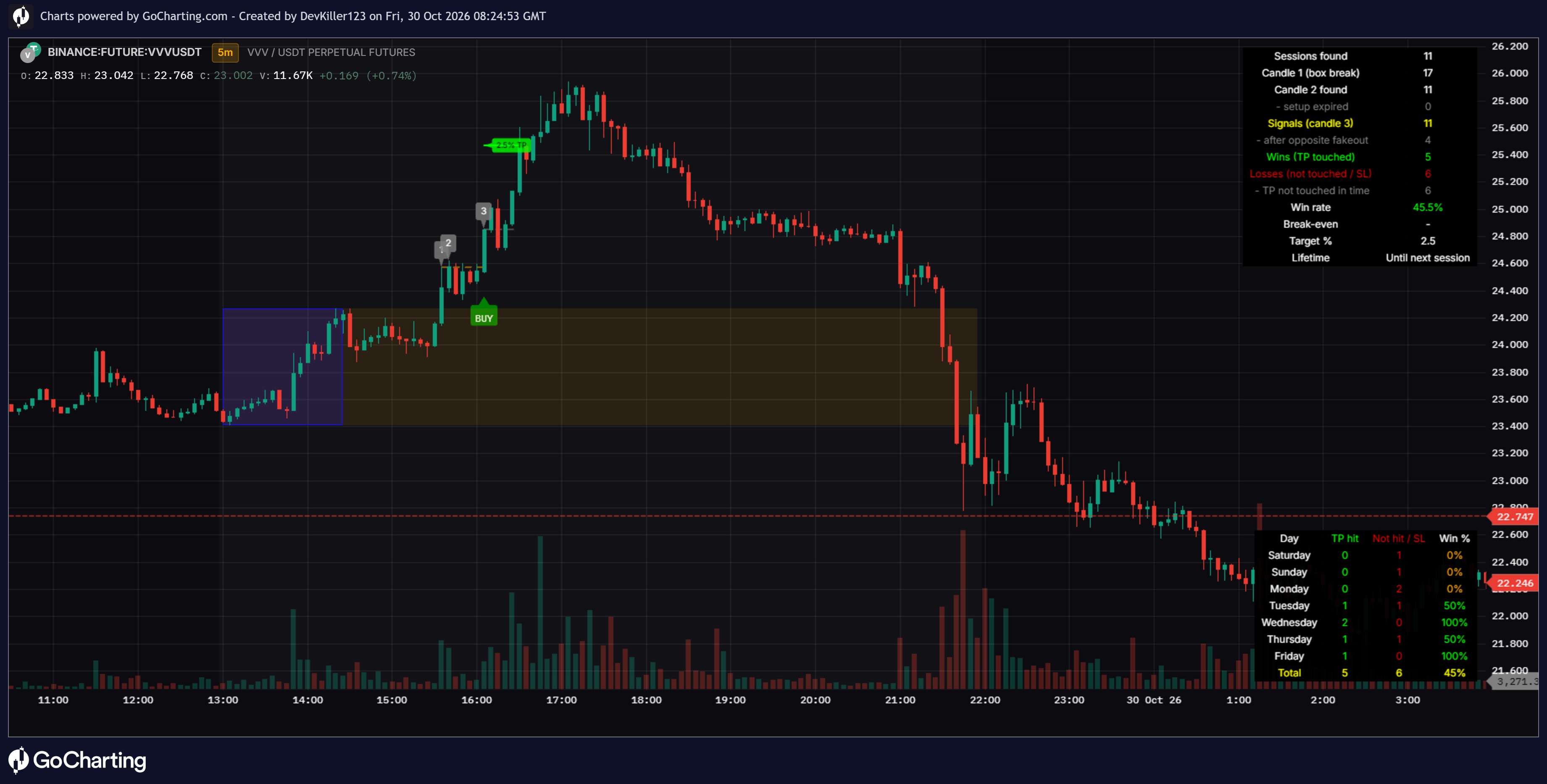
🔹6. BUY & SELL Signals
BUY Setup
Price sweeps below a previously identified swing low.
The indicator waits for a bullish market structure break.
A qualifying bullish candle must confirm the setup.
A BUY signal appears when the required conditions are satisfied and the risk distance is valid.
SELL Setup.
Price sweeps above a previously identified swing high.
The indicator waits for a bearish market structure break.
A qualifying bearish candle must confirm the setup.
A SELL signal appears when the required conditions are satisfied and the risk distance is valid.
🔹7. Entry, Stop Loss & Three Targets
ENTRY: The closing price of the signal candle.
STOP LOSS (SL): The stored liquidity sweep extreme.
TP1: First take-profit target.
TP2: Second take-profit target.
TP3: Third take-profit target.
Default risk-to-reward settings are 1:1, 1:2 and 1:3.
Target ratios can be adjusted through the indicator settings.
Separate horizontal lines and right-side price labels make levels easier to read.
🔹8. Trading Alerts
BUY signal alerts.SELL signal alerts.Bullish BOS alerts.
Bearish BOS alerts.Bullish FVG formation alerts.
Bearish FVG formation alerts.
Create alerts through TradingView's Alert menu after adding the indicator to your chart.
🔹9. Clean Chart & Dashboard
Color-coded Order Blocks and FVG zones.
Separate Entry, SL, TP1, TP2 and TP3 lines.
BUY and SELL signal labels.
Liquidity sweep markers.
Dashboard showing the last signal, chart timeframe and BOS status.
Options to show or hide key visual elements.
🔹HOW DOES IT WORK?
Step 1: The indicator identifies swing highs and swing lows.
Step 2: It looks for potential liquidity sweeps around those swing levels.
Step 3: After a sweep, it waits for a qualifying market structure break and reversal candle confirmation.
Step 4: If the conditions are satisfied, it generates a potential BUY or SELL signal.
Step 5: It calculates Entry, Stop Loss and three take-profit levels using the selected risk-to-reward settings.
Step 6: Traders can use BOS, Order Blocks and FVG zones for additional chart analysis.
🔹Important: Order Blocks and FVGs are displayed as additional analysis tools. They are not mandatory filters for BUY and SELL signals in this version.
🔹MARKETS
🔹GOLD — XAUUSD
🔹Bitcoin — BTCUSD
🔹US Oil — USOIL
🔹Forex pairs and other supported TradingView markets
🔹RECOMMENDED USAGE
Start testing on the 1-hour timeframe.
Review higher-timeframe structure before taking a trade.
Wait for signal confirmation rather than entering solely because a zone appears.
Backtest different settings for each market.
Use proper position sizing and stop-loss management.
2 hours ago
Release Notes
NEW FEATURES UPDATE
🔹 Liquidity High / Low Lines
Buy-Side Liquidity (BSL)
Sell-Side Liquidity (SSL)
Dynamic horizontal liquidity levels
Right-side labels
snapshot
🔹 EMA 50 / EMA 200 Trend Filter
EMA 50 Short-Term Trend
EMA 200 Long-Term Trend
Bullish and Bearish Trend Identification
Optional BUY/SELL Trend Filter
The information and publications are not meant to be, and do not constitute, financial, investment, trading, or other types of advice or recommendations supplied or endorsed by GoCharting. Read more in the Terms of Use.
Related Scripts
![Mark Minervini Trend Template VCP Breakout [Jayadev Rana]](https://gocharting.com/screenshots/c023abba-12b7-47ba-a49d-4ff624294516.png)
Comments (0)
Loading comments…